
How Small Creators Can Use AI To Batch Create Content
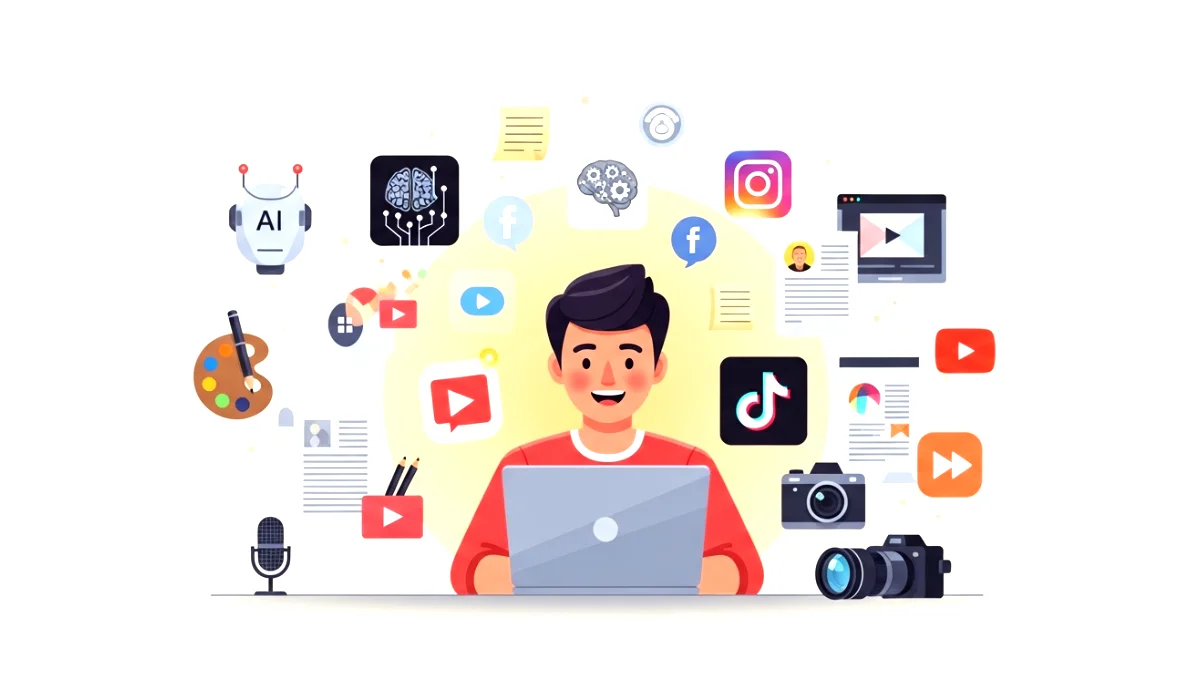
Have you ever opened your laptop determined to create something, only to end up staring at a blank screen while your coffee gets cold? If you’re a small creator juggling life, ideas, and deadlines, you’ve probably felt that familiar pressure. I remember those days when I used to sit with my notebook, planning to film five videos for the week, only to finish one because everything took longer than expected. You know that feeling when your brain wants to work but your energy just laughs at you? Yeah, that one.
Now imagine this. You sit down for two hours, and instead of making one piece of content, you walk away with ten. Your captions are ready, your scripts are done, your reels are planned, your newsletter is half written, and you actually feel like you’re ahead for once. Sounds dreamy, right?
That, my friend, is what happens when you learn how small creators can use AI to batch create content in a smart, simple way. And believe me, once you experience it, you never go back to the old stressful routine.
Now let’s dive deep into how this works, why it saves so much time, and the exact system you can copy starting today.
Why Batch Creating Content Matters For Small Creators
Before we jump into AI, there’s something important to understand. Batch creating content isn’t just a trendy phrase. It’s a survival strategy, especially if you’re a one person team.
When you batch create, you’re basically grouping similar tasks together instead of switching between them all day. For example:
- Writing all your video scripts at once
- Creating a week’s worth of posts in one session
- Editing multiple photos or videos together
- Scheduling everything at the same time
It’s like cooking a week of meals on Sunday instead of cooking three times a day. You save time, energy, and mental effort. And trust me, your future self will thank you while relaxing on a Tuesday night instead of rushing to meet a content deadline.
The biggest problem for small creators is not lack of ideas. It’s lack of time and consistency. Batch creation fixes both.
Once you combine it with AI, you unlock a whole different level of productivity. It’s like adding a turbocharger to your creative engine.
How AI Makes Content Creation Easier Than Ever
The beautiful thing about AI is that it doesn’t replace your creativity. It enhances it. Think of AI as your creative assistant who never gets tired, never runs out of ideas, and doesn’t get overwhelmed by your 20 open tabs.
Here’s what AI can help you do:
- Generate endless content ideas
- Turn one idea into ten different formats
- Rewrite or improve your drafts
- Create scripts, captions, outlines, or newsletters
- Suggest hooks that increase engagement
- Repurpose long content into short content
The best part is that the tone, style, and personality still come from you. AI simply handles the heavy lifting.
And when you’re a small creator, that boost matters. It means you can publish more without burning out. It means you can show up consistently, even on your busy days. And it means you have more time for the creative parts you actually enjoy.
Now let me give you the exact system I use (and teach my clients) for batch creating content using AI.
The Step By Step System To Batch Create Content With AI
This is the part most creators never learn. They think AI is only for writing a caption or getting ideas. But if you use it correctly, you can build a complete batch workflow that saves hours every week.
1. Start With A Content Theme Or Goal
Instead of creating random content, pick a theme for the week. For example:
- Fitness tips for beginners
- Saving money in your twenties
- Healthy breakfast ideas
- Instagram growth tips
- Skin care myths
- Travel hacks for solo explorers
- Mindset tips for creatives
A theme helps AI focus and keeps your content consistent.
2. Ask AI For 20 to 50 Content Ideas Based On That Theme
This is where things get fun. AI can give you more ideas in 10 seconds than you might generate in a week.
For example:
Give me 30 content ideas about saving money for beginners.
Boom. Now you have a full list to choose from.
3. Pick 10 Ideas And Expand Them Into Full Scripts Or Posts
Choose your favorite ideas and ask AI:
Turn this into a 60 second video script.
Expand this into a carousel post.
Write a caption for this idea.
Create a blog outline for this topic.
Now you’re building content pieces fast.
4. Convert Your Scripts Into Multiple Content Formats
This is the real magic. One idea can become:
- A short video script
- A photo caption
- A tweet
- A carousel
- A newsletter paragraph
- A podcast talking point
- A YouTube short
Ask AI:
Repurpose this script into five different formats.
Before you know it, one idea has multiplied into several pieces.
5. Edit Everything With Your Voice And Personality
AI gives you the base. You add the flavor. Change phrases, add anecdotes, mix in personal experiences, and make it feel like you.
For example, if AI writes something too formal, break it down:
Instead of
Many individuals struggle with productivity due to a lack of planning.
You might say:
You know how sometimes we wake up motivated and still get nothing done? Yeah, that’s usually because there’s no plan.
That small tweak makes a huge difference.
6. Schedule A Week Of Content At Once
Once all your drafts are ready:
- Upload your videos
- Paste your captions
- Add your hashtags
- Schedule everything
And boom, your week is done.
You can also read : Best Everyday AI Tools Indians Should Master Before 2026
AI Tools Small Creators Can Use For Faster Content Production
There are hundreds of tools out there, but you don’t need all of them. Here are some simple favorites:
ChatGPT
Great for scripts, captions, ideas, outlines, rewriting, and repurposing.
Canva
Perfect for making thumbnails, carousels, reels, banners, and graphics.
CapCut
Beginner friendly video editing with templates that look premium.
Notion
For organizing content calendars, ideas, drafts, and scripts.
Opus Clip
Ideal for turning long videos into short viral clips.
Descript
Amazing for podcast editing and transcript based editing.
You don’t need fancy gear or expensive software. You just need a streamlined system.
Tips To Keep Your AI Content Human And Authentic
AI is powerful, but you never want your content to feel robotic or generic. Here’s how to keep it real:
- Add stories from your life
- Use your natural speaking style
- Include emotions, opinions, and personal experiences
- Add small imperfections to keep it human
- Use sensory details like smell, sound, and touch
- Ask rhetorical questions
- Mix long and short sentences
- Break stiff language into casual speaking patterns
Your uniqueness is your superpower. AI just helps you amplify it.
Common Mistakes Small Creators Should Avoid
Even though AI is a blessing for creators, many people use it the wrong way. Here are mistakes to avoid:
1. Copying AI output without editing it
Always rewrite parts to sound like you. Your audience follows you, not a robot.
2. Creating too many topics at once
Stick to one theme per session. It keeps your brain focused.
3. Using AI to replace thinking
AI helps you think faster, but you still need strategy and direction.
4. Ignoring your own stories
Your personal experiences make your content relatable and memorable.
5. Overloading on tools
Use only what you need. Simplicity beats chaos.
Final Thoughts On How Small Creators Can Use AI To Batch Create Content
If you’ve ever felt overwhelmed, behind schedule, or creatively stuck, learning how small creators can use AI to batch create content will change everything. You’ll save hours, avoid burnout, and show up consistently even when life gets busy. You’ll feel organized, confident, and productive instead of stressed and rushed.
And the best part is that you don’t need to be a big creator to use this system. Even if you have a small audience or you’re just getting started, batching with AI gives you the power to stay consistent, which is the real secret to growth.
So here’s your challenge. Right after reading this, pick one content theme and ask AI for 20 ideas. Just that one small step can kickstart a whole new workflow for you.
Ready to create smarter, not harder? Let’s go.





2 Comments