
How to Make Your Home Wi Fi Router Safe in Only 10 Minutes
Have you ever been peacefully watching a movie or scrolling Instagram and suddenly your Wi Fi slows down like it is walking through mud? I had one of those days where my internet kept pausing every few minutes and it drove me crazy. I restarted everything, checked cables and even blamed my ISP in my head. Later, when I opened my router settings, I found an unknown device connected. That tiny discovery made me realize how easily someone can slip into your Wi Fi if it is not protected properly.
This is exactly why learning how to make your home Wi Fi router safe in only 10 minutes is one of the smartest things you can do today. You do not need to be a tech person or spend hours clicking complicated settings. Most improvements take less time than reheating food in a microwave.
Right now you are going to learn simple but powerful steps that instantly boost your home Wi Fi security. Just imagine the peace of mind of knowing your digital home is locked and safe, not open like a public park.
Let us begin this journey together.
Why Securing Your Home Wi Fi Matters
Before we jump into the steps, it helps to understand why router security is so important for every household.
When your Wi Fi is not protected properly, it puts your entire digital world at risk. Think about it. Your phones, laptops, smart TVs, voice assistants, cameras, smart lights, gaming consoles, even your fridge or doorbell in some cases rely on your home Wi Fi. If someone gets access to your network, they can see or mess with your devices in ways you do not want.
Here are some reasons to tighten up your Wi Fi security:
You can also read : Managing Digital Identity Across Dozens of Apps: A Practical Guide for Real People
1. Prevent strangers from using your internet
If someone connects to your network, your speed drops. Imagine paying for internet only for someone else to quietly benefit.
2. Protect your personal data
Weak Wi Fi security can expose your browsing habits, files and even passwords if someone is skilled enough.
3. Keep smart devices safe
Your smart home gadgets stay private only when your network is private.
4. Reduce hacking risks
A weak router is an easy door for hackers. A secure router is a closed and locked gate.
5. Peace of mind
Knowing your network is safe brings a calm sort of confidence every time you open your laptop.
The best part. Securing your Wi Fi does not require days of effort. Just a few quick steps can change everything.
Start with Basic Router Access
Every router has a small control panel where you can adjust settings. Think of it like your car dashboard. All you need to do is log in.
You can usually open your router settings by typing into your browser something like:
- 192.168.1.1
- 192.168.0.1
- 192.168.10.1
Most routers have the login address printed on the back or bottom. Once you go to that address, you will be asked for a username and password. Many routers come with something simple like:
- Username: admin
- Password: admin
- Or Password: password
If these still work on your router, that is a problem and we are going to fix it soon.
Logging in already gives you access to the heart of your Wi Fi. Now let us make it strong.
Create a Strong Wi Fi Password
Your password is the first line of defense. If it is weak, everything else falls apart.
Many people use passwords like:
- 12345678
- their name
- their phone number
- their pet’s name
- simple English words
These can be guessed in seconds.
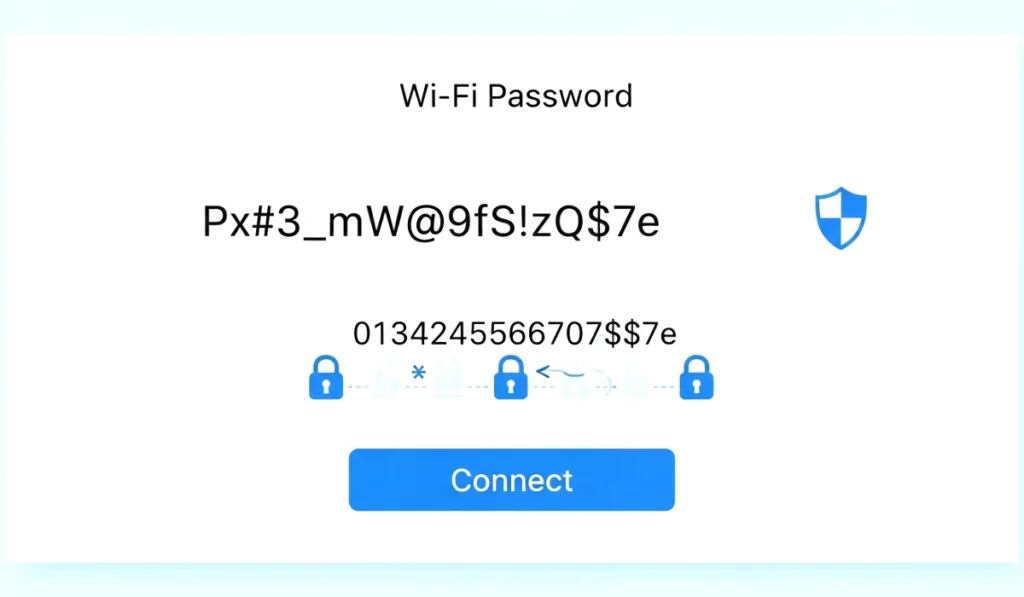
To secure your home Wi Fi quickly, create a strong password that includes:
- Uppercase and lowercase letters
- Numbers
- Symbols
- Something unique
It does not have to be weird or hard to remember. Something like:
blueTree29coffee
nightTrain77open
smartRiver241cloud
These are strong, unique and safe.
Also avoid using the same password you use for Facebook, Gmail or Instagram. Wi Fi passwords should be exclusive.
Once you set a strong password, half of your security battle is already won.
Turn Off Risky Features
Most routers come with certain convenience features that actually weaken your safety. Turning off these options takes only a few seconds and gives you big protection.
1. Disable WPS
WPS is a feature where you press a button and connect devices instantly. But this shortcut is easy to exploit by anyone near your house. Keeping it on is like leaving your side door unlocked.
Switch it off.
2. Hide your network name
Your Wi Fi name is called SSID. When you hide it, your network does not show up in the list of available Wi Fi networks for outsiders.
You and your family can still connect manually by typing the name once.
It adds a nice stealth layer.
3. Turn off remote access
Remote access allows people outside your home to control your router. Unless you are a tech expert managing it intentionally, you do not need this.
Turn it off and keep your control local and private.
4. Disable unused features
Some routers include features like guest portals, file sharing or USB access that you never use. Turn them off unless needed.
A router with fewer open features is always safer.
Keep Your Router Updated
Just like your phone or laptop needs updates, your router also needs firmware updates. Most people never update their router even once in its entire lifetime. That leaves it open to bugs and weaknesses that have already been fixed.
Updating your router takes about one minute. The button usually says:
- Check for Firmware
- Update Firmware
- Software Update
Once you click it, your router downloads and installs its update, then restarts automatically.
These updates strengthen your network, fix security holes and keep your connection healthy.
Think of it as giving your router a quick health checkup.
Check Connected Devices
This is one of my favorite tips because it instantly shows if something strange is happening.
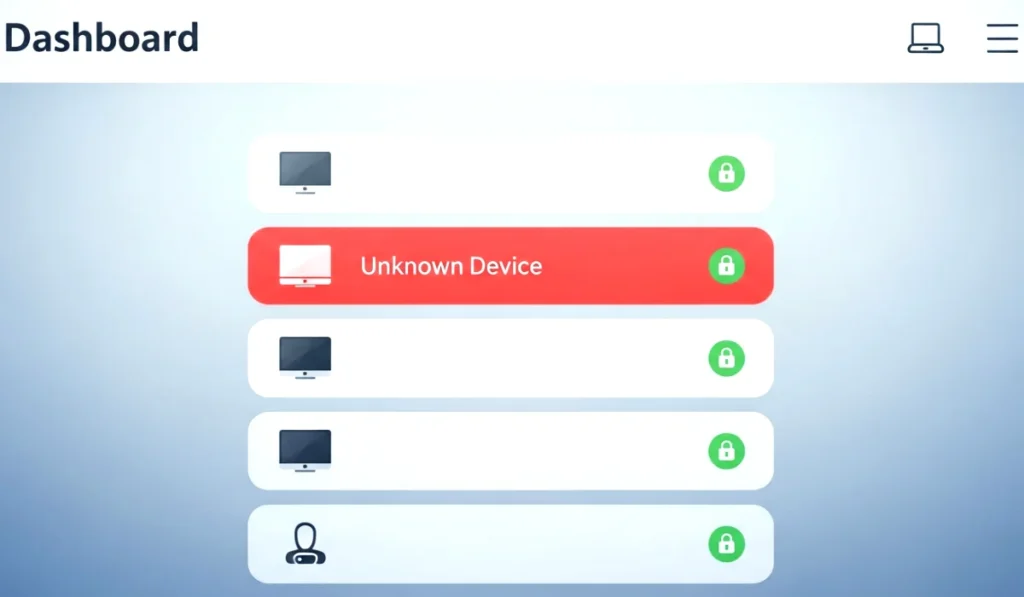
Inside your router settings, you will find a page named:
- Connected Devices
- Device List
- Online Devices
When you open it, you will see every device connected to your Wi Fi. You should recognize your phone, laptop, TV, family devices etc.
But if you see strange ones like:
- Unknown phone
- Smart TV you do not own
- Laptops you do not recognize
- Random device names
Then someone might be using your Wi Fi without permission.
Simply click on the device and block it. Then change your Wi Fi password to lock them out permanently.
This one habit can save you from constant speed drops and privacy issues.
Add More Layers of Wi Fi Security
Once the basics are done, you can enhance protection even more with simple optional steps.
1. Create a guest network
If visitors often ask for your Wi Fi, do not give them access to your main network. Create a guest network with a separate password. This protects your personal devices even if their device is infected.
2. Use strong encryption
Make sure your Wi Fi is using WPA3 or WPA2 AES encryption. Never use old standards like WEP.
WPA3 is the safest option available in most modern routers.
3. Move your router to a safe spot
If your router sits near a window or outside wall, your signal can reach your neighbors. Placing it in a central area keeps the signal inside your home.
It improves both security and performance.
4. Turn off router when not needed
If you leave for a vacation or long trip, switch off your router. This eliminates all risks and saves power.
5. Check your router monthly
It takes only one minute to open your router panel and check for updates or unknown devices. This monthly habit keeps your network safe forever.
Small routines can make a huge difference.
Final Thoughts on Securing Your Router
And there you go. Now you know exactly how to make your home Wi Fi router safe in only 10 minutes without stress, without technical skills and without confusion.
Your Wi Fi router is the heart of your digital life. When it is secure, everything connected to your home becomes safer. When it is weak, even one attacker or unknown user can create problems you never saw coming.
So take a few minutes today, apply these steps and enjoy a more peaceful and private internet experience.


One Comment