How to Protect Kids From Harmful Content on Phones
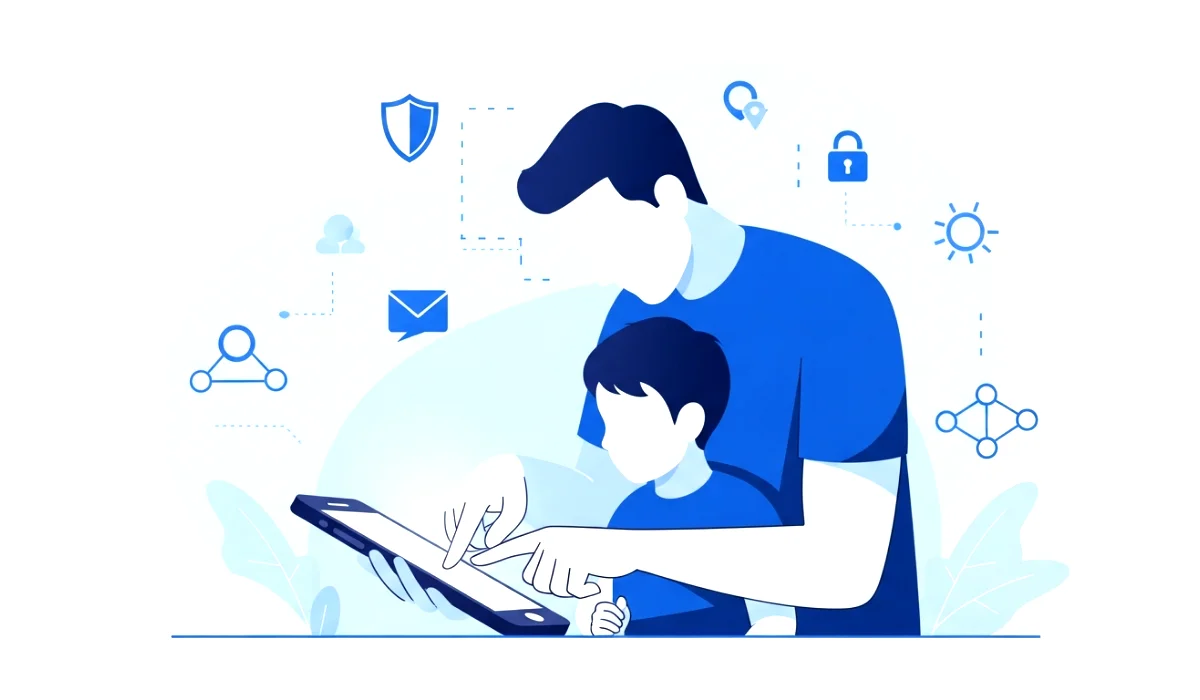
Have you ever glanced at your child scrolling through a phone and wondered what they might be seeing? I remember that exact moment with my niece a few months ago. She was sitting beside me on the sofa, giggling while watching videos. Cute, right? But one swipe later, a completely inappropriate video popped up. Not because she searched for it, but because the internet can be unpredictable and unfiltered for young, innocent minds.
That moment stayed with me. It made me realize something: even when kids are not looking for harmful content, harmful content can easily find them. And in a world where phones are practically glued to our hands, protecting kids from harmful content on phones is no longer optional. It is a necessity.
Now, let’s dive deeper and talk about how parents, guardians, and even older siblings can create a safer digital world for the little ones.
Why Kids Need Digital Protection
When we talk about protecting kids from harmful content on phones, we cannot pretend that using phones is bad for them. Phones are part of modern life. They help with learning, creativity, communication, and even entertainment. The problem is not the device itself but what the device can lead them to.
Kids are naturally curious. Their brains are still developing, especially the parts that handle judgment, self control, and critical thinking. This means they often click without thinking. They trust easily. They explore fearlessly. And while curiosity is beautiful, it becomes dangerous when it exposes them to adult content, violence, bullying, scams, misleading information, or addictive apps.
Many parents assume their kids are too young for digital danger. But harmful content does not care about age. Even toddlers who watch cartoons can accidentally end up on videos filled with fear based imagery or inappropriate language.
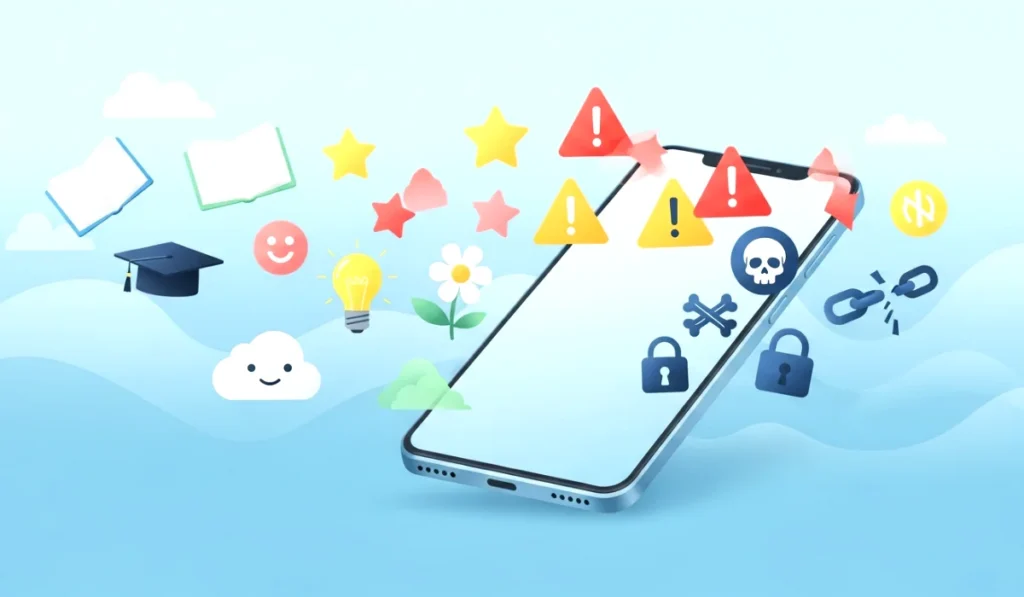
This is exactly why children need digital protection. They deserve safe spaces where they can learn and grow without stumbling upon things that confuse or traumatize them. And as adults, we need to be the guiding hand that keeps their world bright and positive.
You can also read : How to Speed Up Any Android Phone Without Apps Simple Guide
Common Risks Kids Face Online
If you want to protect kids from harmful content on phones, it helps to know what the dangers look like. Some parents think harmful content only means adult videos. But in reality, the spectrum is much wider.
Here are the biggest risks kids face online today:
1. Inappropriate Videos and Images
Even normal platforms like YouTube or TikTok sometimes push content that is not child friendly. It might include violence, nudity, harsh language, disturbing challenges, or fearful themes.
2. Cyberbullying
Imagine a child posting a harmless picture, only to get mocked by strangers or classmates. Words can hurt deeply, especially for young hearts.
3. Online Predators
Some adults pretend to be kids online to build trust and manipulate children. Conversations may start innocently but can turn harmful quickly.
4. Addictive Games and Apps
Some games encourage spending money, staying online for hours, or participating in unsafe challenges.
5. Fake News and Misleading Information
Kids believe what they see. They might consume false information that shapes their worldview incorrectly.
6. Privacy Risks
Kids may share personal information without realizing the consequences. Even a simple selfie can reveal location, school uniform, or surroundings.
7. Malicious Links
Children often click random pop ups or messages. These can install malware or steal data.
The digital world is exciting, but it needs guidance. Kids cannot protect themselves alone. We must step in before harm reaches them.
Signs Your Child Might Be Seeing Harmful Content
Sometimes kids do not tell adults what they see. Not because they want to hide something, but because they might feel scared, confused, or ashamed. That is why you need to watch for signs.
Here are a few red flags:
- Sudden fear of using the phone
- Changes in sleep patterns
- Asking unusual or mature questions
- Becoming secretive about their device
- Sudden mood swings
- Talking to unknown people online
- Using terms they should not know
- Spending too much time on certain apps
- Quickly switching screens when you walk in
These signs do not prove anything, but they tell you that it is time to investigate gently.
Simple Tools to Protect Kids From Harmful Content on Phones
Here is the good news. You can protect kids from harmful content on phones without being a tech expert. Many tools and settings already exist to help parents create safer experiences.
1. Use Built in Parental Controls
Most phones come with family safety settings.
Examples include:
- Android family link controls
- iPhone screen time settings
- Kid friendly modes on devices
With these settings, you can:
- Block adult content
- Limit screen time
- Approve app downloads
- Restrict camera or location access
- Track activity on the device
It is simple, and you only set it up once.
2. Enable Safe Search Filters
Platforms like Google, YouTube, and even Play Stores have safe search options that block sensitive material.
Trust me, these filters are lifesavers.
3. Install Child Safety Browsers
Kids do not need full access to the internet. Child friendly browsers only show verified websites and hide everything risky.
4. Use App Store Restrictions
Stop kids from downloading random apps or accessing paid games. You can set up approval settings so nothing gets downloaded without your permission.
5. Set Screen Time Limits
Kids need boundaries. Phones should not be active during homework, meals, or bedtime. You can automate these limits using built in tools.
6. Block or Limit Social Media
If your child is too young, it is completely fine to avoid social media. Older kids can use it with strict privacy settings.
7. Monitor Activity Regularly
You do not need to spy but be aware. Regularly check browsing history, apps installed, and time spent online.
How to Build Healthy Tech Habits at Home
Tools alone cannot protect kids from harmful content on phones. Habits matter just as much. Kids learn most of their behavior from what they see around them. If they watch adults endlessly scrolling, they will want to do the same.
Here are habits that truly help:
1. Create No Phone Zones
For example:
- Dining table
- Bedrooms
- Study areas
These zones reduce mindless screen use.
2. Set a Family Screen Schedule
Kids adapt quickly when the whole family follows the same rules. Set limits for weekday and weekend usage.
3. Encourage Offline Activities
Sports, art, books, and hobbies reduce dependency on screens.
4. Keep Devices in Common Areas
This prevents secret usage and makes monitoring easier.
5. Teach Digital Balance
Tell kids it is okay to use phones but not all day. Help them understand moderation.
6. Lead by Example
Kids copy what they see. If you want them to reduce screen time, start with yourself.
Talking to Kids About Online Safety
You can use every tool in the world, but nothing beats communication. Children should feel comfortable telling you when something feels weird or wrong online. If they fear getting scolded, they may hide things.
Here is how to talk about online safety:
1. Keep It Simple and Age Appropriate
Explain that some things online are not meant for them and could make them sad or confused.
2. Use Real Life Examples
Share stories of kids who clicked dangerous links or talked to strangers, and what happened. Stories help kids understand without feeling attacked.
3. Be Friendly, Not Scary
You want them to trust you, not fear you.
4. Listen More Than You Speak
Kids will tell you a lot if you let them talk.
5. Teach Them Safe Behaviors
Such as:
- Never talking to strangers online
- Never sharing personal details
- Asking permission before downloading apps
- Showing you anything that feels uncomfortable
6. Reassure Them
Tell them mistakes happen. You will not punish them for asking for help.
Best Parental Control Apps to Protect Kids Online
If you want extra protection, these apps work well:
1. Google Family Link
Perfect for Android users. Lets you control screen time, manage apps, and track activity.
2. Qustodio
Very detailed and easy to use. Good for monitoring searches and screen time.
3. Norton Family
Great for older kids with homework needs. Helps balance school and browsing.
4. Bark
Designed to detect potential dangers like bullying or predators.
5. Safe Lagoon
Excellent for messaging and social app monitoring.
These apps make it much easier to protect kids from harmful content on phones while still giving them freedom to explore safely.
Final Thoughts on Keeping Kids Safe
Protecting kids from harmful content on phones is not about controlling them. It is about guiding them. Phones are powerful tools for learning, fun, and creativity. But they need boundaries, supervision, and a supportive environment.
Your goal is not to create fear but to build confidence, trust, and awareness. Combine technology, communication, and healthy habits. Be the adult they can come to when they have questions or concerns.
Remember this: the best protection is not an app, filter, or setting. The best protection is you.
So start today. Try one tip. Set one rule. Have one conversation. Small steps can make a massive difference in your child’s digital life.