vTop Cybersecurity Tips for Small Online Businesses to Stay Safe
Have you ever opened your laptop in the morning with a cup of chai or coffee and suddenly noticed your online store loading weird pages or showing an error message? I remember the first time my friend who runs a small online clothing shop called me in panic because her admin panel refused to open. She thought it was just a normal glitch, but it turned out someone tried to break into her store overnight. She felt helpless because she believed only big companies get hacked, not small online businesses like hers.
But that is the thing. Cybercriminals do not care if your business is big or small. They just look for easy targets, and small online businesses often have weaker security which makes them attractive. That moment made me realise how much small business owners underestimate cybersecurity until something actually goes wrong.
So today, I want to walk you through the most important cybersecurity tips for small online businesses. The goal is simple. I want you to understand how to protect your business, stay safe, secure your customer trust, and avoid losing your data or money. And we will keep everything beginner friendly, no tech jargon, no confusing explanations. Just clear tips explained like a friend guiding you through real world problems.
Now let us dive deeper.
Why Cybersecurity Matters for Small Online Businesses
Cybersecurity is not just for big companies with huge IT teams. In fact, small businesses are more exposed because they often assume they are too small to be attacked. But cybercriminals know small businesses usually have weaker systems and outdated security, so they become easy targets.
You can also read : How to Make Your Home Wi Fi Router Safe in Only 10 Minutes
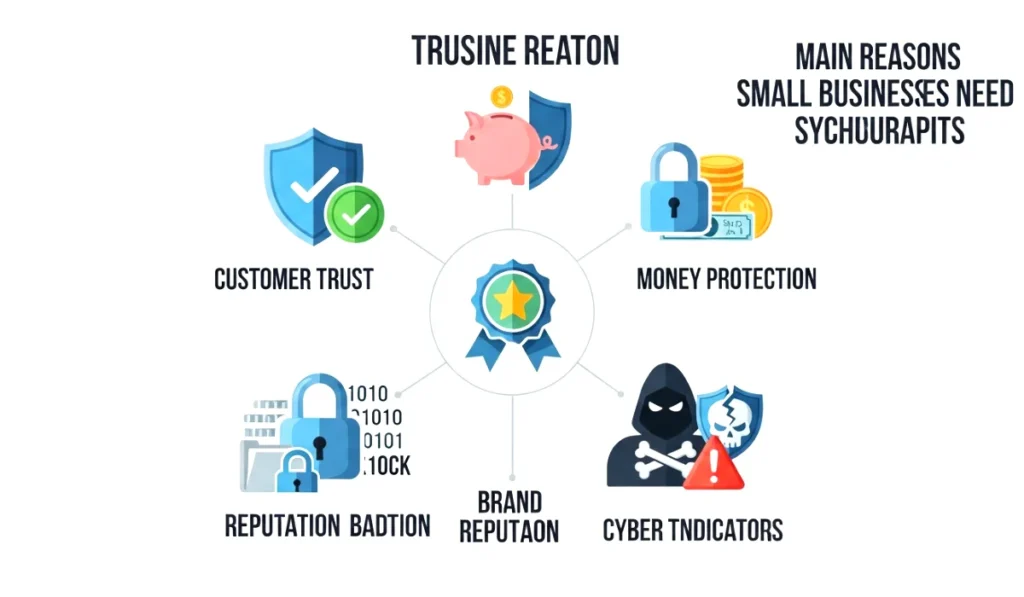
If you run an online store, a digital service, a coaching business, or even a blog that collects emails, you are at risk. Here is why cybersecurity matters.
1. You protect customer trust
Customers trust you when they buy from your website, enter their email, or use their credit card. If a breach happens, you not only lose data, you lose reputation.
2. Financial loss can be huge
A single attack can lead to payment fraud, stolen customer information, chargebacks, or even downtime that stops your business for hours or days.
3. It keeps your business running smoothly
Proper security ensures your website stays up, your passwords stay safe, and your work does not get disrupted.
4. Cyber attacks are rising every year
Hackers use bots that randomly scan the internet for weak websites. They are not choosing you personally. They just look for vulnerability.
Cybersecurity is not optional anymore. It is a must for every online business, small or big.
How Cyber Threats Target Small Businesses
Let us make this super simple. Hackers do not sit there manually typing your business name and planning a mission. They run automated tools that keep scanning for weak spots.
Here are the most common ways they target small businesses.
1. Weak or reused passwords
If your password is something like business123 or yourname2024, you are basically inviting trouble.
2. Outdated software
Old plugins, themes, apps, and scripts are full of loopholes.
3. Phishing emails
Hackers pretend to be banks, payment gateways, or even customers to trick you.
4. Fake payment pages
They create pages that look like your business to trick customers.
5. Malware from unsafe downloads
Even one file can infect your entire system.
Understanding these threats helps you stay ahead and protect your online business.
Essential Cybersecurity Tips for Small Online Businesses
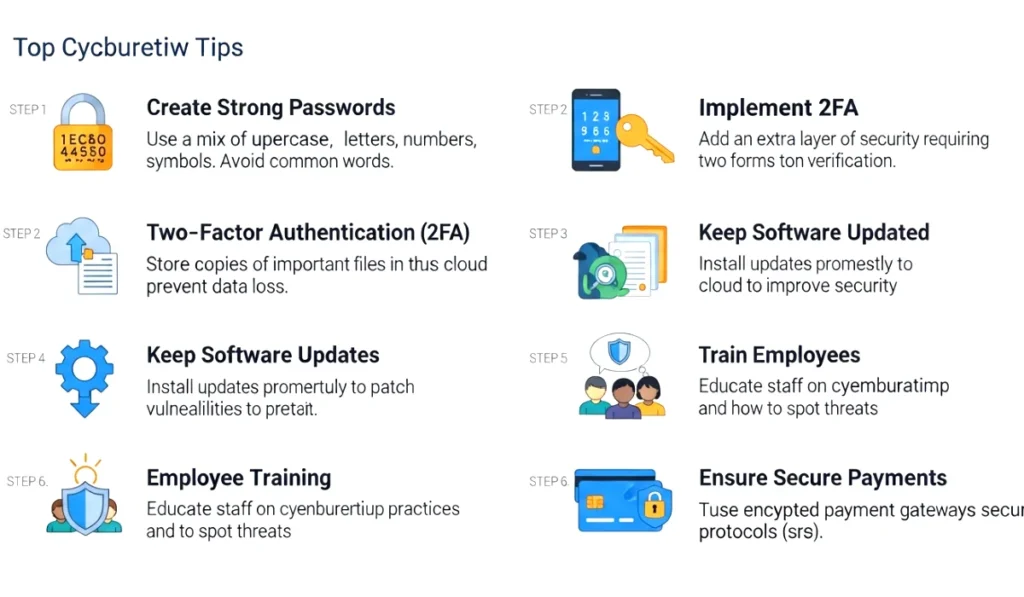
Let us break down each important cybersecurity practice with examples, tips, and real life stories. These are the same strategies big companies use, but we will apply them in a simpler way for small businesses.
Secure Your Passwords the Smart Way
Passwords are the number one entry point for hackers. You will be surprised how many business owners use the same password for their email, store admin, hosting, and bank accounts. It is like using one key for your house, car, locker, everything. If someone gets that one key, everything is gone.
Tips to strengthen your passwords
- Use at least 12 to 15 characters
- Mix letters, numbers, and symbols
- Avoid names, birthdays, or business names
- Use a password manager like Bitwarden or LastPass
- Never store passwords in notes app or diary
I once lost access to an old blog simply because I used a weak password and forgot to add two factor authentication. The regret was real.
Importance of Two Factor Authentication for Online Businesses
Two factor authentication adds an extra layer of protection. Even if someone guesses your password, they still need a second code from your phone or authentication app.
Why it matters
- Prevents most automated attacks
- Protects online payment systems
- Secures admin panels and dashboards
- Adds instant safety without extra cost
Most website builders, hosting panels, email services, and payment gateways offer this feature. It takes less than a minute to enable it and saves you from major trouble.
Train Your Team to Avoid Online Mistakes
Believe it or not, most cyber attacks happen because a team member clicks a dangerous link. Even a small online business with two or three people can face this problem.
Train your team to
- Identify fake emails
- Avoid downloading random files
- Use strong passwords
- Not share logins with others
- Ask before opening suspicious attachments
A short training session every month can prevent huge losses.
Protect Your Website and Hosting
Your website is the heart of your online business. If hackers break into your hosting, they can damage your site or steal customer information.
Steps to secure your website
- Update plugins and themes regularly
- Use hosting with free SSL
- Install a firewall if possible
- Remove unused plugins
- Limit admin panel login attempts
I once worked with a client whose website had ten unused plugins. One of them had a known vulnerability, and that was how hackers got in.
Backup Your Business Data Regularly
Imagine waking up one day and losing all your website files, product data, customer details, and images. Sounds scary, right? That is exactly why backups matter.
Tips for backups
- Take automated backups daily or weekly
- Store backups on cloud services like Google Drive
- Keep at least two backup versions
- Test restore once in a while
Backups are like insurance. You pray you never need them, but when something goes wrong, they save everything.
Keep Software Updated at All Times
Hackers love outdated software because it has known weaknesses. Whether you run WordPress, Shopify, or any other platform, updates fix security holes.
What to update
- Plugins and extensions
- Themes or templates
- CMS versions
- Payment apps
- Browser and antivirus
Never ignore update notifications. They exist to protect you.
Secure Your Payment Systems and Customer Data
If you run an online store, customer payments are your biggest responsibility. You cannot afford mistakes here.
How to secure customer payments
- Use trusted payment gateways
- Enable SSL on all pages
- Never store card details manually
- Avoid third party scripts from unknown sources
- Monitor logs for suspicious activity
Your customers trust you with their money. Make sure your systems respect that trust.
Create a Cyber Response Plan
Even with all the protection in the world, something can go wrong. That is why having a cyber response plan is essential.
Your plan should include
- What to do if your site goes down
- Who to contact first
- How to change passwords immediately
- How to notify customers if needed
- Backup restoration steps
A small plan written in a simple document can save you from panic during emergencies.
Final Thoughts on Cybersecurity for Small Online Businesses
Cybersecurity might sound like a heavy topic, but when you break it down into simple actions, it becomes easy. Small online businesses face real threats every single day, but with the right habits and tools, you can protect your store, your data, and your customers. The cybersecurity tips for small online businesses that we discussed will help you build a strong security foundation without expensive tools or complicated systems.
So start today. Update your passwords, enable two factor authentication, take backups, and stay alert. Every small step makes your digital world safer.