Best Linux Distros That Are Perfect For Beginners In 2026
Have you ever stared at your slow computer and wondered if there was a simple way to make it feel brand new again? I remember doing that exact thing a few years ago when my old laptop refused to run even basic tasks. That frustration pushed me to try Linux for the very first time. At that moment, I honestly thought Linux was only for hackers wearing hoodies and typing endless commands. But once I installed my first beginner friendly Linux distro, everything changed.
The speed, the smooth interface, the control, the freedom. I felt like I had unlocked a secret world. That is exactly why I want to share linux distros that are perfect for beginners in 2026. Because today, Linux is not just for coders. It is for everyday people who want a fast, secure, customizable, and free operating system without stress.
Now let us dive deeper and explore why 2026 is the perfect year to switch to Linux and which distros are ideal for complete beginners.
Why Beginners Should Try Linux In 2026
Linux has evolved so much over the past decade that calling it complicated would simply be unfair now. The developers of popular distros have made everything smooth enough that even someone switching from Windows or macOS for the first time can feel at home within minutes.
You can also read : How to Keep Your Digital Life Backed Up and Safe Forever
So what makes Linux so appealing for beginners in 2026?
1. It is free and saves money
Unlike Windows or some editions of macOS, Linux distros cost nothing. Zero rupees, zero dollars. You can download, install, update, personalize, or even reinstall whenever you want.
2. It is secure and less prone to viruses
One thing I love about Linux is that I rarely worry about malware. The system structure and strong permissions make it naturally safer.
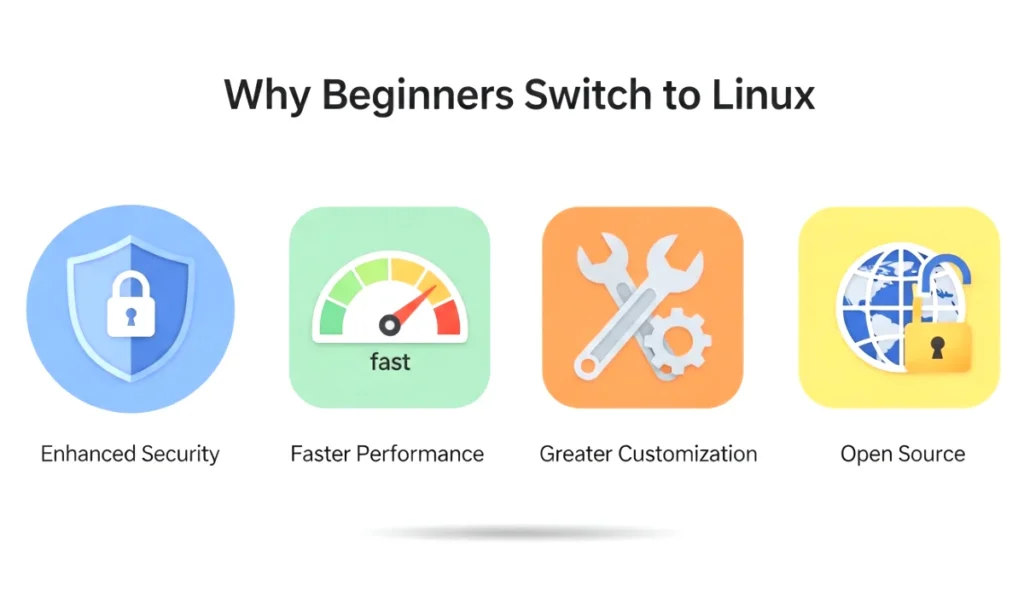
3. It is lightweight and boosts performance
Your old laptops and budget PCs get a new life. Many beginner friendly Linux distros run smoothly even on low end hardware.
4. It is customizable
From themes to icons and layouts, everything can be tweaked. It feels like a playground for your creativity.
5. It respects your privacy
Linux distros do not track you. You get full control of your data, settings, and apps.
The world in 2026 is fast moving and tech heavy. People want speed and simplicity. Linux gives you both without the constant background restrictions you see in other systems.
Features That Make A Linux Distro Beginner Friendly
When we talk about linux distros that are perfect for beginners in 2026, we do not just mean any random operating system. A beginner friendly distro should check a few important boxes.
Here is what makes a Linux distro ideal for new users:
1. Simple installation process
Beginners should not have to deal with complicated terminal commands. The installer should guide them step by step.
2. Familiar user interface
If the layout feels similar to Windows or macOS, the learning curve becomes much easier.
3. Software availability
Access to a wide range of apps, especially those that beginners commonly use, like browsers, office suites, media players, and code editors.
4. A supportive community
Good documentation and friendly forums help beginners when they get stuck.
5. Regular updates and stability
The distro should be fast, dependable, and actively maintained.
6. Low system requirements
It should run smoothly even on older laptops.
If a distro includes these things, there is a high chance that a new user will fall in love with Linux.
Top Linux Distros That Are Perfect For Beginners In 2026
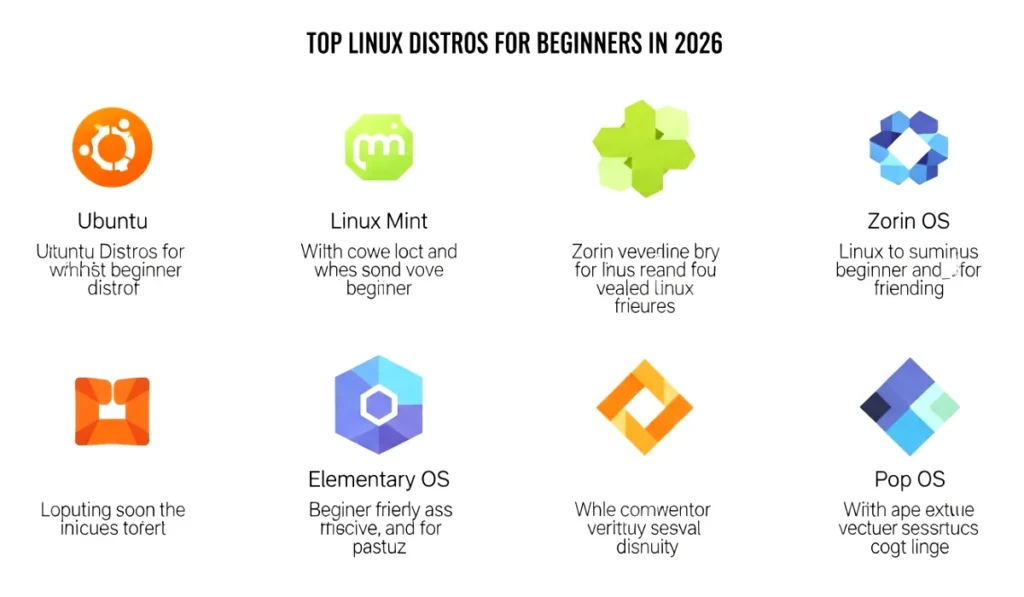
Now we jump into the heart of the article. These are the best choices for anyone wanting to try Linux for the very first time. I have personally used each of them at some point, and every one of them offers a smooth experience.
1. Ubuntu 26.04 LTS
Ubuntu has always been the face of beginner friendly Linux, and the 2026 LTS release continues the tradition. I remember installing Ubuntu for the first time and feeling surprised at how clean and modern everything looked.
Why Ubuntu Is Great For Beginners:
- Super easy installation
- Huge app store filled with free software
- Smooth GNOME desktop
- Strong community support
- Stable long term updates
Ubuntu is perfect for daily use whether you are browsing, studying, or editing documents.
2. Linux Mint 2026 Edition
Linux Mint is often recommended as the easiest Windows alternative. The interface feels familiar, and everything works right out of the box.
What Makes Mint Beginner Friendly:
- Simple start menu and layout
- Comes preinstalled with important apps
- Fast and lightweight
- No confusing settings
- Very stable performance
If someone tells me their parents want a simple Linux system, Mint is always my first suggestion.
3. Zorin OS 18 Lite
Zorin OS focuses on looking beautiful while staying beginner friendly. The Lite version is perfect for older PCs.
Why Beginners Love Zorin OS:
- Attractive and modern design
- Familiar Windows like layout
- Runs smoothly on low end laptops
- Easy customization settings
- Great performance for daily tasks
If you want something that looks premium without paying anything, Zorin OS is a great choice.
4. Elementary OS 9
Elementary OS focuses on simplicity and elegance. The interface feels inspired by macOS, which makes it ideal for users who love clean visuals.
Best Features For Beginners:
- Minimal and distraction free environment
- Preinstalled essential apps
- Smooth animations
- Privacy focused design
- Good for creators and students
If you love neat UI and want a clean workspace, Elementary OS is perfect.
5. Pop OS 26
Pop OS is especially popular among gamers, developers, and creative users. It is fast, powerful, and simple at the same time.
Why Pop OS Works For Beginners:
- Very fast and responsive
- Automatic hardware configuration
- Great for Nvidia and AMD systems
- Built for productivity
- Easy tiling window manager
Even if you are not into gaming, Pop OS feels extremely smooth for multitasking.
6. Fedora Workstation 41
Fedora focuses on modern features and regular updates. It is great for beginners who want a fresh and polished system.
Fedora Strengths For New Users:
- Clean GNOME interface
- Strong security features
- Great documentation
- Good for students and professionals
- Fast updates
If you want a modern and cutting edge Linux experience, Fedora is an excellent starting point.
7. MX Linux 2026
MX Linux is lightweight and surprisingly powerful. Beginners love it because it performs great even on very old computers.
Highlights:
- Low system requirements
- Custom tools for beginners
- Very stable
- Good performance on outdated hardware
If you have an old laptop lying around, MX Linux can make it feel usable again.
8. KDE Neon 2026
KDE Neon gives you the latest KDE Plasma desktop, which is known for beauty and customisation.
Why It Is A Great Option:
- Bright and modern desktop
- Very customizable
- Lightweight despite animations
- Easy for beginners who like experimenting
If you enjoy personalising your desktop, KDE Neon will feel like heaven.
How To Choose The Right Linux Distro For You
Choosing from the linux distros that are perfect for beginners in 2026 can feel overwhelming, but it becomes easier when you know what you want.
Here is a simple guide:
1. Choose Ubuntu or Mint if you want Windows like simplicity
Both are beginner classics.
2. Choose Zorin OS or Elementary OS if you love beautiful design
Perfect for users who prefer a clean, modern look.
3. Choose Pop OS if you want power and speed
Great for gaming and multitasking.
4. Choose Fedora if you want new features and updates first
Ideal for tech learners.
5. Choose MX Linux if you have a low end PC
Makes old hardware super fast.
6. Choose KDE Neon if you enjoy customizing everything
Perfect for creative users.
When you match your needs with a distro, the Linux experience becomes fun and effortless.
Final Thoughts
Trying Linux for the first time can feel like stepping into a new world, but trust me, it is a world filled with speed, freedom, security, and creativity. The linux distros that are perfect for beginners in 2026 make the journey smooth and exciting. Whether you want simplicity, beauty, performance, or versatility, there is a distro on this list for you.
If you want to give your laptop a fresh start or explore something beyond Windows, start by picking any one of these distros. You might be surprised at how enjoyable and refreshing the experience feels.
If you want a personalized recommendation based on your system details, message me anytime bro. I will suggest the perfect Linux distro for your needs.
FAQ Section For Linux Distros That Are Perfect For Beginners In 2026
1. Which Linux distro is best for complete beginners in 2026?
Ubuntu and Linux Mint are the most beginner friendly options. They are simple to install, easy to use, and come with a familiar layout that makes the transition from Windows very smooth. Both offer strong community support and regular updates.
2. Can beginners use Linux without knowing coding?
Yes, absolutely. Most modern Linux distros do not require any coding knowledge. You can install apps, customize your system, and use everyday features through a graphical interface just like Windows or macOS.
3. Which Linux distro runs best on old or low end computers?
Zorin OS Lite, MX Linux, and Linux Mint XFCE editions are great choices. They are lightweight and run smoothly even on older hardware with low RAM or slow processors.
4. Is Linux safe from viruses?
Linux is known for its strong security. While no system is one hundred percent virus free, Linux is much less targeted because of its structure and permission system. Most users do not need antivirus software for normal use.
5. Can I play games on Linux?
Yes, gaming on Linux has improved a lot. Pop OS, Ubuntu, and Fedora work great with Steam and Proton. Many modern games run smoothly, especially on systems with Nvidia or AMD drivers.
6. Can Linux replace Windows completely?
For many users, yes. Linux distros provide browsers, office tools, media players, and almost everything a normal user needs. However, if you rely on specific Windows only software, you might still need a dual boot setup.
7. Is Linux hard to install?
Not at all. Most beginner focused distros have simple installers. You just click next a few times, select your drive, and you are done. The process feels similar to installing Windows.
8. Which Linux distro looks most modern and stylish?
Elementary OS, Zorin OS, and KDE Neon offer beautiful and modern interfaces. They feel smooth and visually appealing, especially for users who love clean designs.
9. Does Linux get regular updates?
Yes, most distros release frequent updates that improve performance, security, and stability. LTS versions like Ubuntu 26.04 receive long term support, making them perfect for beginners.
10. Is Linux really free to use?
Yes, Linux distros are free to download and use. You can also install, remove, or customize anything without paying for licenses or subscriptions.