How to Protect Your Devices from Modern Online Threats
Ever had that mini heart attack when your phone suddenly heats up for no reason or your laptop starts acting like it has a mind of its own? I still remember the day I clicked on what I thought was a harmless email attachment and my entire screen froze. For a moment I felt like someone had broken into my house, except this time the door was my device. And you know what? That feeling is more common than you think.
We live in a world where everything from our bank details to our private conversations sits quietly in our pockets or backpacks. Which means learning how to protect your devices from modern online threats is not just optional anymore. It’s survival. And it’s easier than you think when you break it down step by step.
So grab your coffee, settle in, and let’s dive deep into how you can keep your digital life safe, secure and stress free.
Understanding Modern Online Threats
Before we gear up with all the security tools and tricks, it’s important to know exactly what we are protecting ourselves from. Think of it like understanding your opponent before entering the arena.
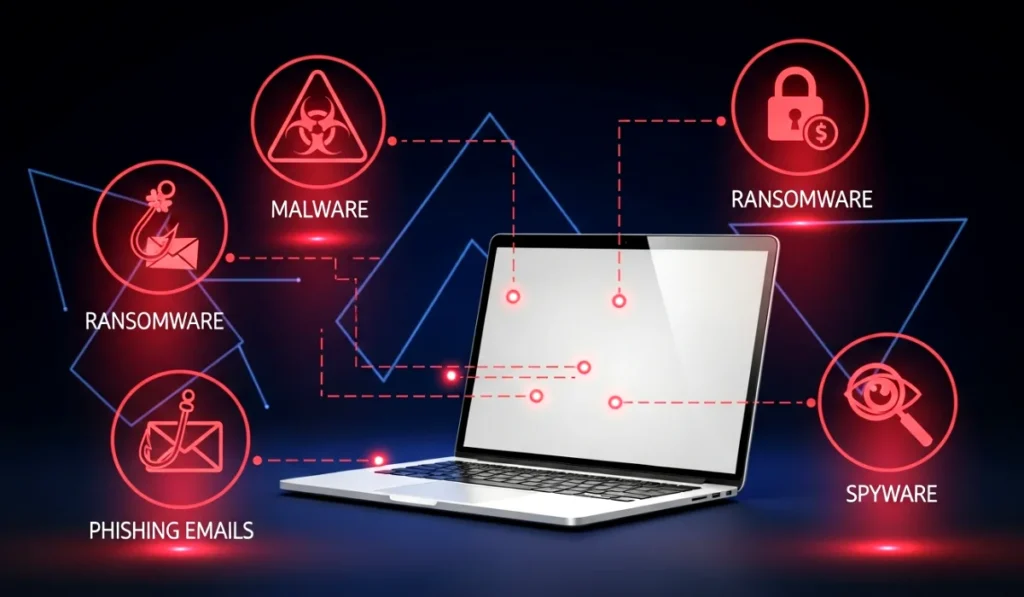
Common Threats in Everyday Devices
Every device user faces at least one of these threats in their digital journey.
Malware
It sneaks into your device through infected files or shady programs. Once inside, it can corrupt files, slow down your system or open secret gateways for hackers.
Spyware
This one quietly observes your activities. From keystrokes to browsing habits, spyware tries to gather as much data about you as possible.
Ransomware
Imagine waking up to find all your personal photos encrypted and a message saying you must pay to get them back. That’s ransomware. It locks your files and holds them hostage.
Phishing attacks
These attacks try to trick you into giving away sensitive information. Sometimes the emails look so convincing that even tech savvy people fall for them.
Identity theft
If someone gets access to your personal information, they can pretend to be you. They can use your name, your money and even your digital identity.
How These Threats Impact Your Personal And Professional Life
When your device gets compromised, the consequences run deeper than a slow loading screen. Your photos, passwords, chats, banking details and even private work files can get leaked or destroyed.
Imagine losing your business presentation the night before a meeting or finding your credit card charged for something you never bought. It’s stressful and honestly makes anyone question their digital habits.
Which is why understanding how to protect your devices from modern online threats is a must for every user today.
Strengthening Your Device Security
Now that you know what you’re up against, let’s build your defense layer by layer.
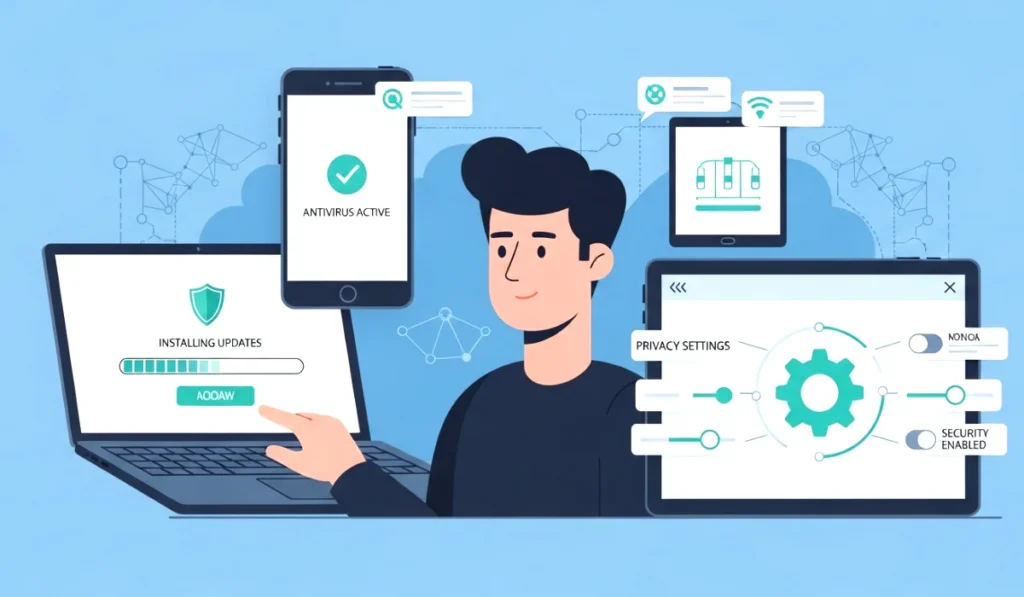
Keep Your Operating System Updated
Updates may feel annoying but they are lifesavers. Developers constantly discover new security risks and patch them with updates. When you skip these, you leave your door half open.
A friend of mine once ignored updates for months. One random evening, his laptop started typing on its own. Turns out a remote access malware had slipped in during that time. Ever since that scare, he keeps auto update on.
Install Reliable Security Software
Good security software works like a personal bodyguard for your device. It scans everything that enters your system, blocks suspicious programs and alerts you when something smells fishy.
A solid setup usually includes
• Antivirus
• Anti malware
• Firewall
• Safe browsing extension
Choose tools that have strong reviews and frequent updates.
Secure Your Internet Connection
Your internet connection is the door to the digital world. If it’s weak, your whole device becomes exposed.
Try these steps
• Avoid public WiFi when dealing with sensitive data
• Use a trusted VPN for extra privacy
• Change your router’s default password
• Enable encryption in router settings
Just changing the default router password prevents a surprising number of hacks.
Smart Browsing Habits That Protect You
Security software helps but your habits matter more.
Recognize Suspicious Links And Emails
Have you ever received an email saying your account will be deleted unless you click a link? Or a message telling you that you won $1000? These are red flags.
Signs of phishing emails
• Random sense of urgency
• Poor grammar or strange tone
• Links that look slightly different from official addresses
• Unknown attachments
If something feels off, trust that feeling.
Safe Social Media Practices
We all love sharing our moments online. But oversharing can invite trouble.
Try to
• Keep accounts private when possible
• Avoid sharing your location in real time
• Watch out for fake profiles
• Turn off unnecessary permissions
Your identity online is valuable. Protect it like you protect your wallet.
Strengthen Your Passwords The Right Way
Passwords are like keys to your digital home. If the key is weak, anyone can copy it.
Create Strong And Unique Passwords
Most people use predictable combinations like their name and year of birth. Hackers guess those in minutes.
A strong password
• Has upper and lower case letters
• Includes numbers
• Includes special characters
• Is at least 12 characters long
Try something memorable but unique.
Enable Two Factor Authentication
Two factor authentication adds a second layer of safety. Even if someone gets your password, they still cannot access your account without the verification code on your phone or email.
Apps like Authy or Google Authenticator make the process smooth.
Start enabling 2FA on
• Banking apps
• Email
• Social media
• Cloud storage
Protecting Your Smartphone From Threats
Your phone is probably the device you use most. It also holds the most personal information.
Secure App Permissions
Some apps ask for permissions they do not really need. For example, a flashlight app that wants access to your contacts. Big red flag.
Review permissions regularly and keep only what the app requires to function.
Avoid Untrustworthy Apps
Downloading APK files from random websites is risky. They might contain hidden malware.
Always download apps from
• Play Store
• App Store
• Official websites
Back Up Your Data Regularly
Imagine losing your phone today. Would you still have your photos and important documents? If not, you need a backup plan.
Use
• Google Drive
• iCloud
• External hard drive
Backups give peace of mind and save you from emotional stress when devices fail.
Protecting Your Laptop And PC From Attacks
Laptops and computers need just as much protection as phones.
Use Encryption Tools
Encryption scrambles your data so even if someone accesses your device, they cannot read anything without the key.
Full disk encryption or folder encryption is perfect for sensitive work files or personal photos.
Manage External Devices Securely
USB drives can carry viruses. Always scan them before opening.
I once plugged in a friend’s USB that looked harmless. Within minutes my desktop wallpaper turned black and files started disappearing. Since then, I scan every external drive.
Advanced Tips To Stay Safe Online
When you want even stronger protection, add these habits too.
Monitor Your Accounts For Suspicious Activity
Turn on
• Login alerts
• Transaction notifications
• Device login history
The faster you react, the less damage attackers can do.
Understanding Digital Footprint
Websites track your searches, location, interests and more. While not always harmful, too much tracking puts your privacy at risk.
Reduce your digital footprint by
• Using private browsing modes
• Clearing cookies regularly
• Adjusting browser privacy settings
Real Life Anecdote For Personal Touch
A couple of years ago, I received an email claiming to be from a popular shopping site. It said my account was compromised and I needed to verify my login. The email looked so real that I almost entered my password. Something felt off and I checked the sender ID. It was a random address pretending to be official.
If I had typed my details, my entire account plus my saved card details would have been gone. That incident taught me to slow down and analyze before clicking anything.
And trust me, once you face a close call, you never look at emails the same way again.
Conclusion And Key Takeaways
Learning how to protect your devices from modern online threats is not complicated. It just takes awareness and a few smart habits.
Here are your main takeaways
• Keep your system and apps updated
• Use trusted security tools
• Strengthen your passwords
• Stay alert while browsing
• Avoid suspicious downloads
• Enable two factor authentication
• Back up your data regularly
Start with one tip today. Even a small change can save you from major trouble in the future.
Your devices are a part of your daily life. Keep them safe, keep them healthy and enjoy a stress free digital experience.