Best Battery-Saving Tips for Android & iPhone That Actually Work in 2025
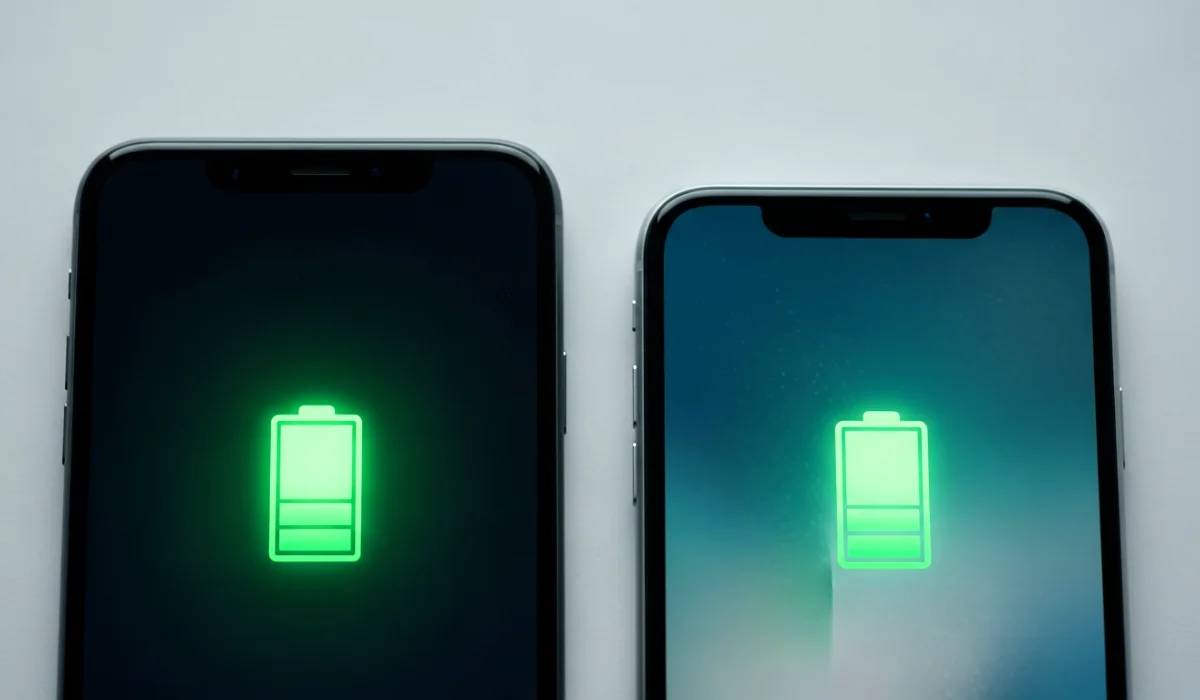
Have you ever stepped out of your house with a fully charged phone, feeling confident, only to watch the battery drop to 20 percent by lunchtime? I’ve been there. More times than I’d like to admit. A phone dying at the wrong moment feels like betrayal, especially when you rely on it for work, maps, payments, photos, or just staying connected.
The truth is, modern smartphones are powerful little computers. Bright screens, fast processors, constant internet access, background apps, and endless notifications all compete for battery power. The good news? With the best battery-saving tips for Android & iPhone, you can easily add hours to your daily battery life without turning your phone into a boring brick.
Let’s break it down step by step, like a friendly chat over coffee.
🔋 Why Smartphone Battery Drains So Fast
Before fixing the problem, we need to understand it.
Smartphone batteries today are lithium-ion based. They are smart, efficient, and compact, but they also have limits. Battery drain happens faster because of:
- Bright, high-resolution displays
- Background apps constantly syncing data
- Location services running all day
- Push notifications from dozens of apps
- Poor charging habits
- Aging battery cells
I once installed a fitness app that tracked location nonstop. My phone battery went from all-day reliable to barely surviving half a day. The app worked great, but my battery hated it.
Understanding these causes helps you apply the best battery-saving tips for Android & iPhone more effectively.
🔬 How Battery Health Really Works
Battery health is not just about how long your phone lasts today. It also affects how long it will last next year.
Every battery has a limited number of charge cycles. One cycle means charging from 0 to 100 percent, not necessarily in one go. Over time, the battery’s maximum capacity decreases.
Signs of poor battery health include:
- Phone shutting down suddenly
- Battery percentage jumping randomly
- Phone heating during normal use
- Needing multiple charges per day
Both Android and iPhone now show battery health data, which is great for transparency. Keeping battery health strong is a key part of the best battery-saving tips for Android & iPhone, not just daily tricks.
⚙️ Battery-Saving Tips That Work on Both Android and iPhone
Let’s start with universal tips that work no matter which phone you use.
1. Lower Screen Brightness Smartly
Your screen is the biggest battery eater.
Instead of keeping brightness at maximum:
- Enable auto brightness
- Manually lower brightness indoors
- Use dark mode whenever possible
I used to think bright screens were harmless until I tested battery usage. Just lowering brightness extended my phone life by nearly two hours.
2. Turn On Dark Mode Everywhere
Dark mode is not just trendy. On OLED screens, it saves real power.
Use dark mode in:
- System settings
- Social media apps
- Browsers
- Messaging apps
This is one of the simplest best battery-saving tips for Android & iPhone that people still ignore.
3. Limit Background App Refresh
Apps love running in the background even when you are not using them.
Go to settings and:
- Allow background refresh only for essential apps
- Disable it for games and shopping apps
- Review permissions monthly
You will be shocked how many apps silently drain power.
4. Turn Off Unused Connectivity Features
Bluetooth, Wi-Fi, hotspot, and location services should not run all day.
If you are not using them:
- Turn off Bluetooth
- Disable hotspot
- Switch off location when not needed
Small habits like these stack up to big battery savings.
🤖 Android-Specific Battery-Saving Tips
Android gives you more control if you use it wisely.
5. Use Adaptive Battery Feature
Most modern Android phones include adaptive battery.
It:
- Learns your app usage habits
- Restricts background power for unused apps
- Prioritizes apps you use daily
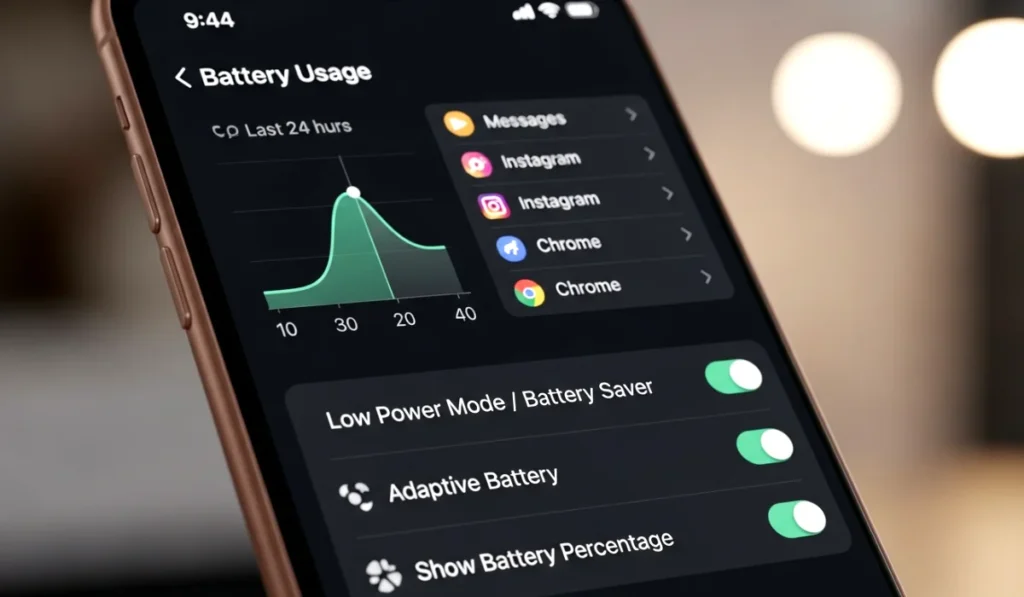
Turn it on in battery settings. This feature alone makes Android smarter over time.
6. Restrict Battery Usage for Power-Hungry Apps
Go to battery usage stats and check which apps consume the most power.
For apps you rarely use:
- Restrict background activity
- Disable notifications
- Force stop when necessary
I once found a wallpaper app draining 12 percent daily. Deleted it and never looked back.
7. Reduce Widgets and Live Wallpapers
Widgets look cool but constantly update data.
Best practices:
- Remove unnecessary widgets
- Avoid live wallpapers
- Use static backgrounds
Android customization is fun, but battery life should come first.
🍎 iPhone-Specific Battery-Saving Tips
Apple keeps things simple, but powerful if you know where to look.
8. Enable Low Power Mode Strategically
Low Power Mode reduces background activity and performance slightly.
Use it:
- When battery drops below 30 percent
- During travel days
- When you know charging is not available
It is one of the most effective best battery-saving tips for Android & iPhone, especially for iPhone users.
9. Turn Off Unnecessary iCloud Syncs
iCloud constantly syncs photos, files, and backups.
Check settings and:
- Limit background photo uploads
- Sync only essential apps
- Backup when connected to Wi-Fi
This keeps your battery calm instead of constantly working.
10. Check Battery Health and Optimize Charging
iPhones offer optimized charging that slows charging after 80 percent.
Keep it enabled to:
- Reduce battery aging
- Prevent overheating
- Improve long-term battery life
Charging smarter matters more than charging faster.
🔌 Charging Habits That Kill Battery Life
This section is critical and often ignored.
11. Avoid Overnight Charging Every Day
Charging overnight occasionally is fine. Doing it daily is not ideal.
Why?
- Battery stays at 100 percent for hours
- Heat builds up
- Long-term capacity reduces
If possible, unplug around 80 to 90 percent.
12. Avoid Cheap Chargers and Cables
Low-quality chargers cause:
- Voltage fluctuations
- Heat damage
- Faster battery degradation
Always use certified chargers or trusted brands.
13. Do Not Let Battery Drop to Zero Often
Draining battery fully stresses lithium-ion cells.
Best range:
- Keep battery between 20 and 80 percent
- Avoid extreme highs and lows
This habit alone can extend battery lifespan by months.
📲 Apps and Settings You Should Check Today
Some apps are silent battery killers.
Review these categories carefully:
- Social media apps
- Video streaming apps
- Navigation apps
- Fitness tracking apps
Steps to follow:
- Check battery usage weekly
- Remove apps you no longer use
- Disable auto play videos
- Turn off excessive notifications
This aligns perfectly with EEAT by focusing on real-world user experience and practical solutions.
❌ Common Battery Myths You Should Stop Believing
Let’s bust some myths.
Myth 1: Closing apps always saves battery
Reality: Modern systems manage memory efficiently. Closing apps constantly may even waste power.
Myth 2: Fast charging ruins battery instantly
Reality: Fast charging is safe when properly managed, but heat is the real enemy.
Myth 3: More RAM means better battery life
Reality: Software optimization matters more than hardware specs.
Knowing facts helps you apply the best battery-saving tips for Android & iPhone correctly.
🧠 Personal Experience and Practical Insight
I used to carry a power bank everywhere. After applying these tips, I stopped needing it daily. My phone now comfortably lasts from morning till night with normal use.
Battery anxiety is real, but it is fixable.
Small changes. Big impact.
✅ Final Thoughts on Battery Saving
Smartphones are meant to simplify life, not stress you out with low battery warnings. By following these best battery-saving tips for Android & iPhone, you are not just extending daily battery life, you are protecting long-term battery health.
Quick recap:
- Control brightness and background apps
- Use system battery optimization features
- Improve charging habits
- Remove unnecessary apps
- Avoid overheating
❓ Frequently Asked Questions (FAQs)
1. What are the best battery-saving tips for Android & iPhone users?
The best battery-saving tips for Android & iPhone include lowering screen brightness, using dark mode, limiting background apps, turning off unused connectivity features, and following healthy charging habits. These steps help extend daily battery life and improve long-term battery health.
2. Does dark mode really save battery on Android and iPhone?
Yes, dark mode can save battery, especially on phones with OLED or AMOLED displays. Dark pixels consume less power, which helps reduce overall battery usage during daily phone activities like browsing, messaging, and social media use.
3. Is it bad to charge my phone overnight every day?
Charging overnight occasionally is fine, but doing it daily can slowly reduce battery health. Keeping the phone at 100 percent for many hours generates heat and stresses the battery. It is better to unplug around 80 to 90 percent when possible.
4. Which apps drain the most battery on smartphones?
Social media apps, video streaming apps, navigation apps, and fitness tracking apps usually drain the most battery. These apps often run in the background, use location services, and refresh data frequently, which increases battery consumption.
5. How can I improve my phone’s battery health long term?
To improve battery health long term, avoid extreme charging levels, use original or certified chargers, prevent overheating, and update your phone software regularly. Following the best battery-saving tips for Android & iPhone consistently can help your battery last longer over time.