Common Wi Fi Problems and How to Fix Them Fast at Home
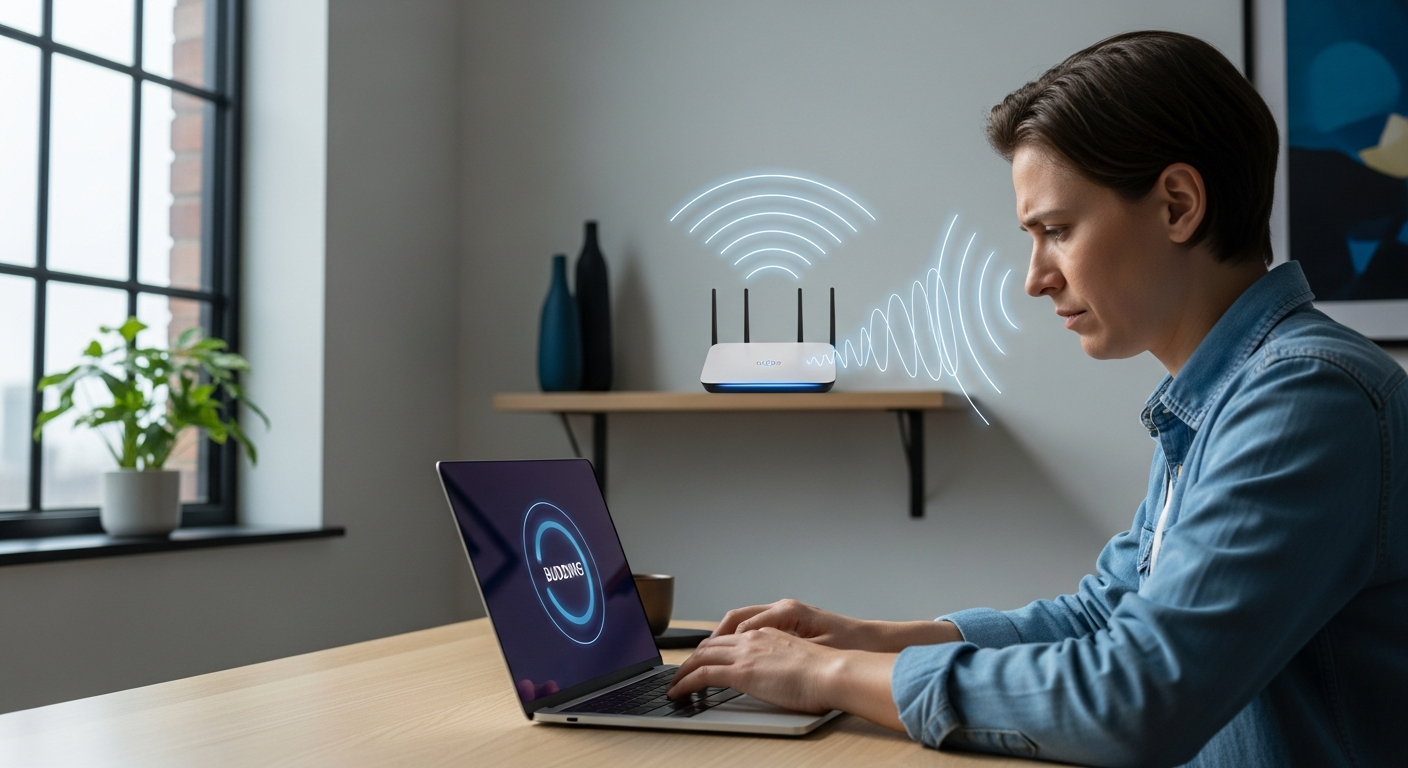
Have you ever noticed this strange thing. The moment you really need the internet, your Wi Fi suddenly slows down or stops working completely. A video keeps buffering. A website refuses to load. Your phone shows full signal, but nothing actually works. If this sounds familiar, trust me, you are not alone.
I have been there more times than I can count. Late at night, coffee in hand, trying to upload an article or join a call, and boom, the Wi Fi acts like it has a mind of its own. That frustration is exactly why I wanted to write this guide.
In this detailed post, we will break down the most common Wi Fi problems and how to fix them using simple, practical steps. No technical jargon overload. No confusing instructions. Just clear advice you can actually use today.
Whether you work from home, run a blog, stream movies, or simply scroll social media, fixing common Wi Fi problems can save your time, mood, and productivity.
Let us dive in.
What Is Wi Fi and Why Problems Happen So Often
Before fixing anything, it helps to understand what Wi Fi really is. Wi Fi is a wireless way to connect your devices to the internet through a router. That router talks to your internet service provider and sends data back and forth.
Sounds simple, right. But here is the thing. Wi Fi signals travel through air. Walls, furniture, devices, distance, and even your neighbors can interfere with it.
Unlike wired internet, wireless connections are sensitive. That is why common Wi Fi problems show up so frequently, even in modern homes.
Some key reasons Wi Fi issues happen include
- Poor router placement
- Too many connected devices
- Signal interference from electronics
- Outdated router firmware
- Internet plan limitations
Once you know the root causes, fixing common Wi Fi problems becomes much easier.
Slow Wi Fi Speed Even With a Good Internet Plan
This is hands down the most common Wi Fi problem people complain about. You pay for fast internet, but your Wi Fi feels painfully slow.
I faced this exact issue when I upgraded my plan but forgot to move my router. Nothing changed until I fixed the basics.
Why Wi Fi Speed Gets Slow
Several things can slow down your Wi Fi speed
- Router placed in a corner or closed room
- Multiple devices streaming at the same time
- Old router that cannot handle modern speeds
- Background downloads and updates
- Signal interference from nearby networks
How to Fix Slow Wi Fi Speed
Try these practical fixes step by step
- Restart your router. This sounds basic, but it works more often than you think.
- Place the router in a central open location. Avoid corners, cupboards, or behind TVs.
- Disconnect devices you are not using. Every connected device shares bandwidth.
- Check your router age. If it is more than five years old, an upgrade can make a big difference.
- Contact your internet provider and confirm you are actually getting the speed you pay for.
Fixing slow speed is one of the easiest common Wi Fi problems once you address placement and load.
Wi Fi Connected but Internet Not Working
This one is confusing. Your device shows it is connected to Wi Fi, but websites refuse to load.
I remember thinking my laptop was broken the first time this happened. Turns out, it was a simple router issue.
Why This Problem Occurs
Common reasons include
- Temporary issue from your internet provider
- Router software glitch
- Incorrect network settings
- DNS related problems
How to Fix It Quickly
Follow these steps in order
- Turn off your router and modem. Wait one full minute. Turn them back on.
- Try opening a website on another device. This helps confirm if the issue is device specific.
- Forget the Wi Fi network on your device and reconnect.
- Change DNS to a public option like Google DNS in your device settings.
- Call your provider if nothing works. Sometimes outages are local.
Among all common Wi Fi problems, this one is usually temporary and easy to fix.
Weak Wi Fi Signal in Certain Rooms
Ever noticed your Wi Fi works great in one room and completely drops in another. This is extremely common, especially in larger homes.
Why Wi Fi Signal Becomes Weak
Wi Fi signals lose strength due to
- Thick walls and concrete structures
- Long distance from the router
- Floors between you and the router
- Metal objects and mirrors
Simple Ways to Improve Signal Strength
Here is what you can do
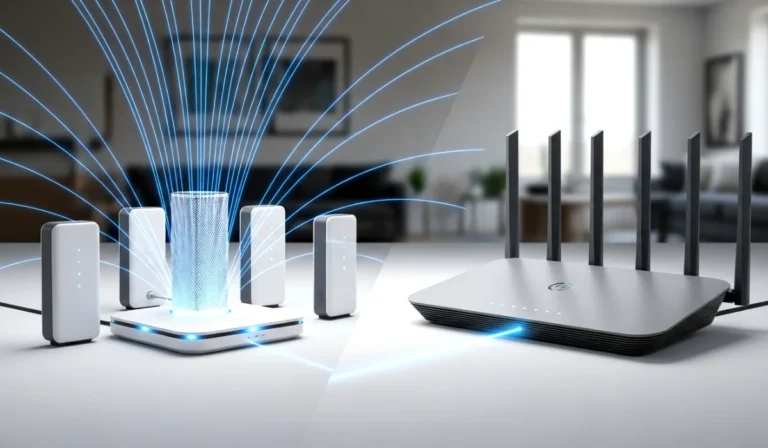
- Move your router higher. A shelf is better than the floor.
- Keep the router away from thick walls and heavy furniture.
- Use a Wi Fi range extender for larger homes.
- Upgrade to a mesh Wi Fi system if signal loss is severe.
Weak signal issues are classic common Wi Fi problems, but smart placement solves most cases.
Wi Fi Keeps Disconnecting Randomly
Random disconnections are annoying, especially during video calls or online work.
I once lost a client call because my Wi Fi kept dropping. Lesson learned the hard way.
Why Wi Fi Disconnects Frequently
Possible reasons include
- Router overheating
- Too many devices connected
- Outdated firmware
- Interference from nearby networks
How to Fix Random Disconnections
Try these fixes
- Keep your router in a well ventilated area. Heat causes instability.
- Update your router firmware using the router admin panel.
- Reduce the number of active devices.
- Change the Wi Fi channel in router settings to avoid interference.
Fixing random drops is critical when dealing with common Wi Fi problems at home or work.
Wi Fi Network Not Showing Up
Sometimes the Wi Fi network does not even appear on your device. It feels like the router disappeared.
Why This Happens
Common reasons are
- Router is turned off or frozen
- Wireless broadcast disabled in settings
- Device Wi Fi adapter issues
How to Make Wi Fi Visible Again
Do this step by step
- Check if router lights are on and stable.
- Restart the router fully.
- Restart your device.
- Check router settings to ensure wireless broadcast is enabled.
- Update network drivers on your computer if needed.
This is one of those common Wi Fi problems that looks scary but is usually simple.
Devices Connected but Very Slow on One Device Only
Your phone works fine, but your laptop crawls. Or your TV buffers while everything else works.
Why Only One Device Has Issues
Possible causes include
- Device software problems
- Weak Wi Fi adapter
- Background apps using bandwidth
How to Fix It
- Restart the affected device.
- Update the device operating system.
- Turn off background downloads and syncing apps.
- Forget and reconnect to the Wi Fi network.
Sometimes common Wi Fi problems are not about the network, but about the device itself.
Interference From Other Wi Fi Networks
If you live in an apartment or crowded area, your neighbors can affect your Wi Fi.
Why Interference Happens
Multiple routers using the same channel cause congestion. This leads to slower speeds and unstable connections.
How to Reduce Interference
- Change your Wi Fi channel from automatic to a less crowded one.
- Use dual band routers that support both frequencies.
- Place the router away from other electronic devices.
Managing interference is an important part of fixing common Wi Fi problems in cities.
Outdated Router and Firmware Issues
Technology moves fast. Routers do not age gracefully.
Signs Your Router Is Outdated
- Frequent disconnections
- Cannot handle many devices
- Slow speeds despite good internet plan
What You Should Do
- Update router firmware regularly.
- Replace routers older than five years.
- Choose a trusted brand certified by the Wi Fi Alliance.
A modern router can eliminate many common Wi Fi problems instantly.
Security Issues Affecting Wi Fi Performance
An unsecured Wi Fi network can be misused without you knowing.
Warning Signs
- Sudden slow speed
- Unknown devices connected
- Router settings changed unexpectedly
How to Secure Your Wi Fi
- Change default router username and password.
- Use strong Wi Fi encryption.
- Regularly check connected devices list.
Security plays a hidden role in common Wi Fi problems and should never be ignored.
How to Prevent Future Wi Fi Problems
Fixing issues is good, but preventing them is even better.
Here are smart habits I personally follow
- Restart router once a week
- Keep router firmware updated
- Avoid placing router near electronic devices
- Monitor connected devices monthly
- Upgrade equipment when needed
These habits dramatically reduce common Wi Fi problems over time.
Final Thoughts on Common Wi Fi Problems and How to Fix Them
Wi Fi issues can feel overwhelming, but most of them have simple solutions. You do not need to be a tech expert. You just need the right approach.
To recap, common Wi Fi problems usually come from poor placement, outdated hardware, interference, or device specific issues. Once you identify the real cause, the fix becomes obvious.
The next time your internet acts up, take a deep breath. Go through the steps in this guide. Try one fix at a time.
Your Wi Fi does not need to control your mood. You control your Wi Fi.
If this guide helped you, take action today. Fix one small issue right now and enjoy smoother internet from this moment onward.