
Managing Digital Identity Across Dozens of Apps: A Practical Guide for Real People
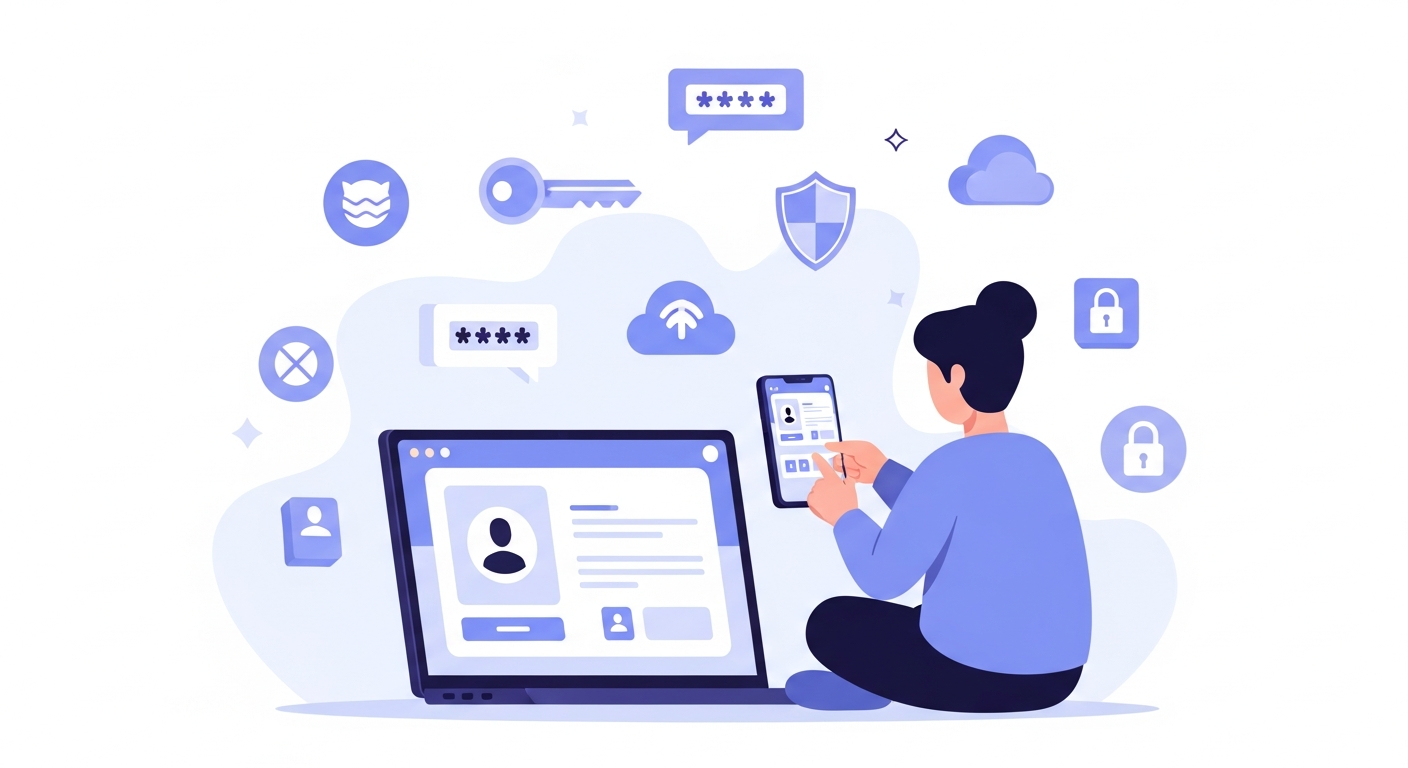
Have you ever opened your phone, stared at the maze of icons, and wondered, “Wait… how many apps actually know things about me?” I remember sitting in a café once, sipping hot chocolate, when my phone buzzed with a notification from an app I hadn’t used in months. It said, “We miss you!” and for a moment, I laughed. Then I thought… why does this random app still have my data?
If you’ve ever felt the same way, welcome to the club. Managing digital identity across dozens of apps isn’t just a tech problem anymore. It’s a life problem. Every sign-up, every shared email, every little permission creates tiny footprints of who you are. And before you know it, your digital identity is scattered across social media platforms, shopping apps, banking tools, newsletters, games, fitness trackers, and honestly, things you forgot even existed.
Now, let’s dive deeper and turn this chaotic digital jumble into something you can actually control.
What Managing Digital Identity Really Means
Most people think digital identity is just usernames and passwords. But it’s actually everything that represents you online including your browsing habits, purchase history, photos, saved addresses, device data, and even the times you usually unlock your phone.
So when we talk about managing digital identity, we’re talking about:
- Knowing which apps hold your details
- Understanding how your data is being used
- Protecting yourself from identity theft
- Reducing unnecessary digital exposure
- Keeping your online life organized and stress-free
And trust me, all of this matters more today than ever. With cyber scams rising and privacy shrinking, the best thing you can do is take back control before someone else does.
The Messy Reality: Digital Identity Spread Everywhere
Let me paint you a picture. A friend of mine once tried to reset his password for a delivery app. The app said the email didn’t exist. He tried his other email. Same response. You know what he eventually realized? He had made three different accounts on the same app over the years. Three. And each one had saved addresses, old phone numbers, or unused loyalty points.

This is normal. We sign up fast because the app says, “Continue with Google” or “Sign in with Facebook.” And before we know it, we’ve created digital versions of ourselves that we can’t track anymore.
Some common examples:
- You have 20 apps with your phone number
- 15 apps have your home address
- 12 apps are tracking your location
- 40 apps have access to your email
- A few apps still remember your old password that you no longer use
Sounds scary, right? But don’t worry. Once you understand what’s going on, managing digital identity becomes much easier.
You can also read : Is Coding Still Worth Learning In Heavy AI World
Why Managing Digital Identity Is So Important Today
Let’s explore the deeper reasons why everyone should care.
1. Protecting Yourself From Identity Theft
Identity theft isn’t just in movies. It happens quietly when someone gets access to your email or an old account you forgot about. With just one leaked password, hackers can jump into your digital life and cause real damage.
Managing digital identity helps prevent that by reducing old accounts and strengthening security.
2. Keeping Your Online Reputation Clean
Your digital footprint stays online longer than you think. Old posts, forgotten bios, outdated photos, abandoned accounts… all of it paints a picture of you.
Regular identity management lets you decide how the world sees you.
3. Avoiding Cyber Fatigue
You know that feeling when you have too many apps, too many notifications, too many logins? It’s draining. When your identity is messy online, your mind feels cluttered offline too.
Cleaning it up feels surprisingly refreshing, like spring cleaning but for your digital soul.
4. Saving Time And Reducing Risk
Every forgotten account is a doorway someone else could walk into. By tightening your identity footprint, you save time, energy, and stress in the long run.
Step by Step: How to Start Managing Digital Identity Like a Pro
Now let’s get practical. Here’s how you can take back control using simple steps that actually work.
1. Start With a Digital Identity Audit
This sounds fancy but it’s basically asking yourself, “Where is my information right now?” Sit down with your phone or laptop and make a list of:
- Apps you use daily
- Apps you use occasionally
- Apps you haven’t touched in months
And be honest. If you don’t remember using something after downloading it, delete it. Simple.
Also check your email inbox. Search for keywords like:
- Welcome
- Verify your email
- Account created
- Thank you for signing up
You’ll be shocked by the number of accounts you made and forgot about.
2. Use a Password Manager to Organize Your Digital Keys
Trying to manage digital identity without a password manager is like trying to organize your house without shelves. It’s chaos.
A password manager helps you:
- Store all your logins safely
- Generate strong passwords
- Check if your passwords are reused
- Warn you if any password has been leaked
This is one of the most important tools for online security today.
Pick any reliable one. The brand doesn’t matter as much as using one consistently.
You can also read : How Micro SaaS Businesses Work For Solo Devs And Why 2025 Might Be Your Best Year To Start
3. Review App Permissions Regularly
Most apps sneakily take more than they need. Some track your location even when you’re not using them. Others access your microphone or contacts.
Go into your phone settings and check permissions for:
- Location
- Camera
- Microphone
- Contacts
- Calendar
- Photos
Only keep the permissions that truly make sense. If a flashlight app asks for your location, tell it no. Actually, uninstall it.
4. Reduce Your Digital Footprint With Account Cleanup
Deleting old accounts is one of the most satisfying things you can do.
Here’s how to find them:
- Use your email search
- Look for old sign-ups
- Check “Connected Apps” on Google, Facebook, and Apple
Remove or delete anything you don’t use. Less is safer.
5. Turn On Two Factor Authentication Everywhere
Two factor authentication adds an extra layer of protection by requiring a second step when logging in. This could be a code, fingerprint, or app verification.
It instantly makes your online identity harder to break into.
If you set it up on important accounts like:
- Banking
- Social media
- Cloud storage
You’re already way ahead of most people.
6. Understand What Data Apps Collect
Many apps collect more data than you realize. Some track your shopping habits, movement patterns, browsing activity, and personal preferences.
Whenever you download or sign up:
- Check what data the app collects
- Read the quick summary of permissions
- Decide if it’s worth it
Not all data collection is bad. Sometimes it improves your experience. But staying aware is part of managing digital identity.
7. Be Smart With Social Sign-Ins
Using “Continue with Google” or “Continue with Facebook” is super convenient, but it also connects your data across multiple apps.
If you like convenience, it’s fine to use this. But do it mindfully.
My personal rule is simple. If it’s a finance or work-related app, I create a separate login. If it’s just a casual tool or entertainment app, I might use social sign-in.
You decide what feels safe for you.
8. Limit What You Share Online
It’s tempting to share everything. Photos of your home, your travel dates, your moments with friends. But every detail creates part of your identity footprint.
Try asking yourself:
“Does this need to be online?”
If the answer is no, keep it private.
9. Use Separate Emails for Different Purposes
This is one of my favorite tips.
Use:
- One email for personal banking and sensitive accounts
- One email for shopping and newsletters
- One email for testing apps or temporary accounts
This helps you track where your identity is scattered and makes your online life cleaner.
10. Do a Quarterly Digital Identity Refresh
Make it a habit. Every three months:
- Delete unused apps
- Update your passwords
- Review your permissions
- Check if any data breaches occurred
This simple routine keeps your identity safe, fresh, and organized.
Personal Story: When My Digital Identity Nearly Got Hijacked
Let me share a quick real story. A few years ago, I received an email saying someone tried logging into one of my oldest accounts. I had completely forgotten about it. It was a photo editing app I downloaded in 2017, used twice, and never opened again.
But it still had my email, old password, and even my stored photos.
That moment hit me hard. If someone had gotten in, they could have used that data to access other things. That’s when I realized how messy my digital life had become.
I spent an entire weekend reviewing apps, deleting old accounts, and moving all my logins to a password manager. It felt like tidying up a closet that had been overflowing for years. And honestly, it gave me a sense of relief I didn’t expect.
Conclusion: Managing Digital Identity Is Your New Superpower
Managing digital identity isn’t just about security. It’s about control. It’s about deciding what stays, what goes, and how you want to exist online.
You don’t need to be a tech expert. You just need awareness and a few simple habits. Once you start, you’ll feel more confident, safer, and lighter.
So here’s my challenge for you. Today, right after reading this, delete three apps you don’t use anymore. Just three. Start small. Your digital identity journey begins with one tiny step.




I love how you mention that digital identity isn’t just about passwords. It’s the little things we forget, like purchase history or location data, that really add up over time. It’s like you’re leaving behind a trail everywhere you go!