
What Is Ransomware and How Normal Users Get Infected
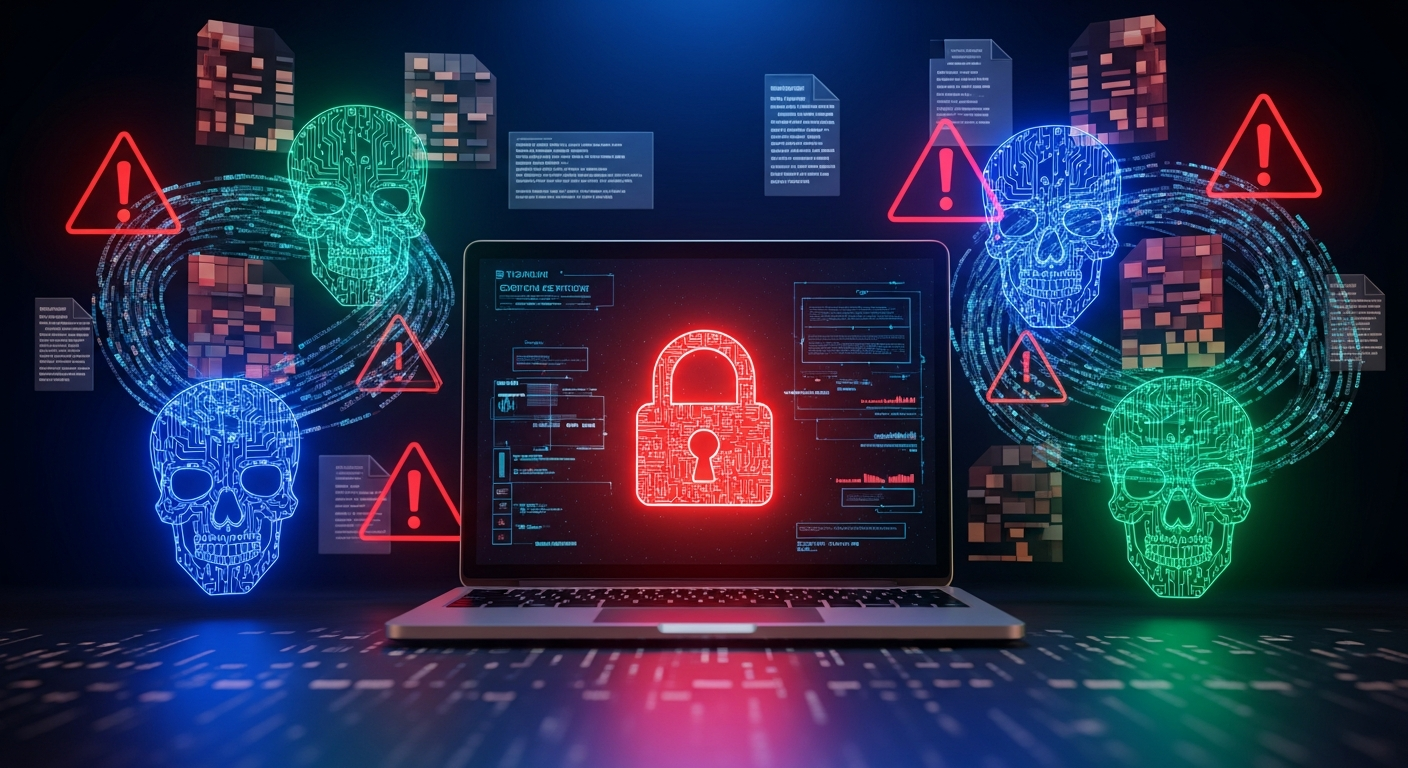
Have you ever opened your laptop early in the morning, ready to start your day, and suddenly your screen shows a message saying all your files are locked and you must pay money to get them back? A friend of mine once called me in complete panic because his photos, documents, and work files suddenly refused to open. He said it felt like someone stole the key to his digital life. That was the first time he learned about ransomware the hard way.
If you are wondering what ransomware is and how normal users get infected so easily, trust me, you are not alone. Many everyday users, even those who think they are careful, fall into this trap without realizing what happened. Ransomware does not only attack companies. It attacks students, freelancers, parents, gamers, shop owners, and literally anyone who uses a device connected to the internet.
So in this guide, I will walk you through everything. I will explain what ransomware really is, how it infects normal users, the tricks attackers use, and most importantly, how you can protect yourself without needing technical knowledge. I will share examples, real life stories, and simple explanations that make this scary topic easier to understand.
Now let us start from the beginning.
Why Ransomware Has Become a Big Threat
Ransomware is not new, but in the last few years it has exploded. And there is a simple reason why. Hackers make easy money from it. When someone locks your important files, you feel desperate and helpless. Many people panic and pay the ransom, hoping to get their files back.
Cybercriminals know this, and that is why they target both big companies and normal users. In fact, normal users are easier targets because they usually do not have strong protection, backups, or advanced security tools.
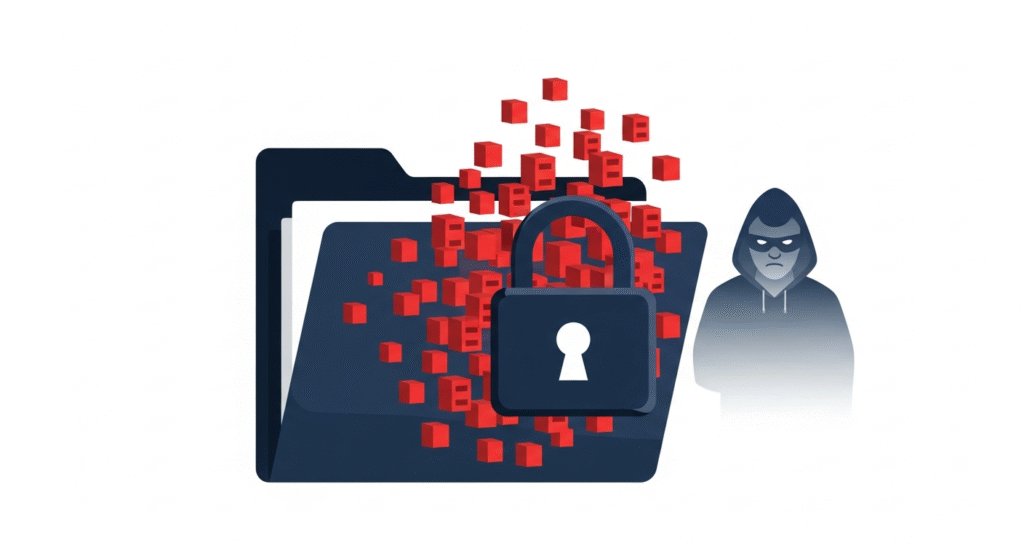
Ransomware is becoming more advanced, smarter, and more widespread. Hackers use tricks that look harmless. A small click can change everything.
What Is Ransomware in Simple Words
Let us keep it extremely simple.
Ransomware is a type of harmful software that locks your files and asks you to pay money to unlock them.
Think of it like a thief sneaking into your house, putting all your belongings inside a steel locker, and then leaving a note saying you need to pay to get the key.
Except this happens to your digital life. Your photos, videos, business files, school assignments, family memories, bank statements, everything becomes inaccessible. You see strange file extensions, error messages, and a demand for payment.
Ransomware can infect:
Laptops
Phones
Desktops
Tablets
Servers
USB drives
Hard disks
And the scariest part is that it spreads silently. One click is enough.
You can also read : Best Browser Settings to Stay Private Online
How Normal Users Get Ransomware Infections
People often think ransomware affects only careless users. But trust me, even smart and aware people fall for it. Because hackers use psychological tricks, fake designs, and sneaky methods that feel normal.
Let me explain the most common ways normal users get infected.
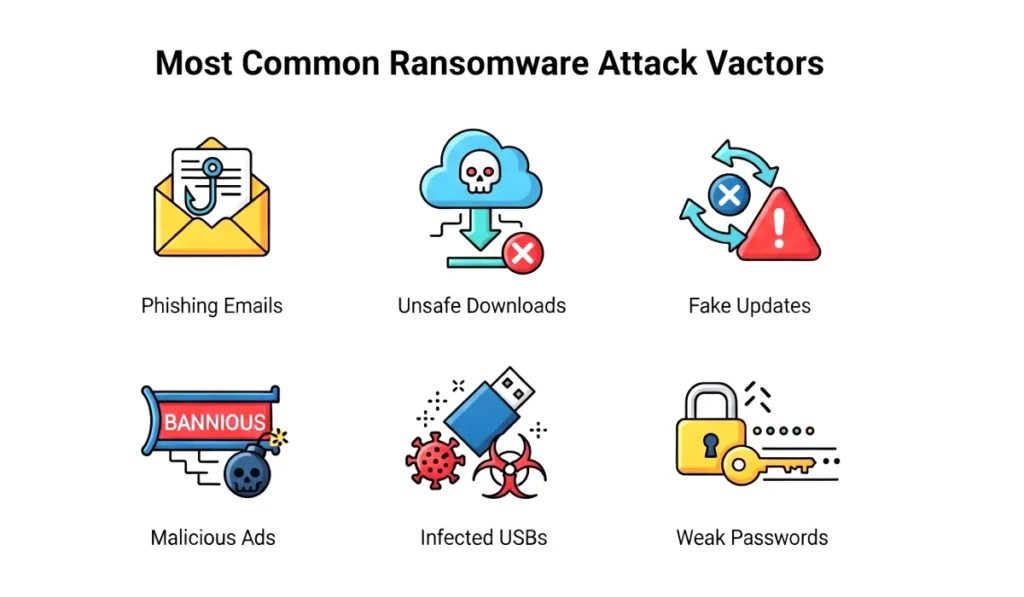
Email Attachments and Phishing Links
This is the number one entry point for ransomware attacks. Hackers send emails that look real and urgent. You may receive emails pretending to be:
Banks
Government offices
Delivery companies
Schools
Hospitals
Job portals
Online stores
The email usually says something like:
Your package is on hold
Click here to confirm your account
Your bill is ready
Important document attached
Your password was compromised
The moment you open the attachment or link, ransomware quietly installs on your device.
Many normal users fall for this because the emails look so real.
Unsafe Downloads from the Internet
Have you ever downloaded cracked software, free movies, cheat tools, or unknown apps? This is one of the most dangerous habits. Hackers hide ransomware inside free downloads because they know people love free things.
Ransomware can hide inside:
Free games
Modded apps
Patches
Keygens
Cracked software
Fake installers
Compressed zip files
One of my cousins once downloaded a free photo editing tool that promised premium features. The moment he installed it, his entire laptop got locked.
Fake Software Updates and Popups
Sometimes hackers display fake browser warnings like:
Your Adobe plugin is outdated
Your device needs an update
Your antivirus has expired
These look convincing and urgent. Many users click on these popups without thinking because they want to fix the issue quickly. Once clicked, ransomware installs in the background.
These fake updates are extremely dangerous because they appear on normal websites through malicious ads.
Malicious Websites and Ads
A normal user does not always know which website is safe. Some websites open automatically through redirects. Some show dangerous ads that install ransomware without your click.
This can happen when you:
Visit pirated websites
Click unknown links
Use unsafe streaming sites
Click on adult content websites
Open suspicious popups
Install unknown browser extensions
One wrong website visit can change everything.
USB Drives and External Devices
Yes, ransomware can even spread through infected USB drives. If someone gives you a pendrive that already contains malware, connecting it to your device can trigger the attack instantly.
Many office workers face ransomware infections because they share files through USB drives without scanning them.
Weak Passwords and Unsecured Systems
If your device has a weak password or no password at all, hackers can easily break into your system. They use automated tools that can guess millions of passwords in minutes.
Passwords like:
12345
password
yourname2024
qwerty
are basically an open invitation for hackers.
Weak security settings, outdated operating systems, and unprotected devices make normal users easy victims.
Real Life Story of a Normal User Getting Ransomware
Let me share a real incident that still shocks me.
A college student downloaded a free PDF of a textbook because he did not want to buy the original one. The file looked harmless. He opened it, and nothing happened. He thought it was safe.
The next morning, he woke up and saw every single file renamed and unreadable. A message appeared on his screen saying his data was locked, and he must pay money to get it back.
He lost:
His project files
His family photos
His assignments
His personal documents
He cried when he realized what happened. But he learned an important lesson. One small download cost him everything.
Ransomware does not care if you are a student, homemaker, or business owner. It attacks everyone who is unprepared.
How to Protect Yourself from Ransomware
Now comes the most important part. Protecting yourself from ransomware is not complicated. You do not need expensive software or technical knowledge. You just need smart habits.
Here are simple protection tips that normal users can follow.
1. Never open unknown email attachments
Always check the sender. If it looks suspicious, delete it immediately.
2. Do not download cracked or pirated files
Free things often come with hidden dangers.
3. Install a trusted antivirus
It blocks ransomware before it reaches your system.
4. Keep your device updated
Updates fix security weaknesses.
5. Use strong and unique passwords
And avoid reusing the same password everywhere.
6. Backup your important data regularly
Even ransomware cannot defeat a good backup.
7. Avoid unknown links and websites
Especially those offering free movies, tools, or adult content.
8. Use two factor authentication
It adds an extra layer of security.
9. Do not click random popups
If a popup says you need an update, ignore it and update from official settings.
These small habits can save you from massive damage.
What to Do If You Get Infected
If you ever face a ransomware attack, keep calm and act quickly.
1. Disconnect the device from the internet
This stops the ransomware from spreading.
2. Do not pay the ransom
There is no guarantee you will get your files back.
3. Scan your device with antivirus
Some tools can remove the ransomware.
4. Restore from backup
This is the best option to recover files.
5. Seek help from a cybersecurity expert
Professional help is useful if the infection is severe.
Final Thoughts on Ransomware Safety
Now you know what ransomware is and how normal users get infected. This threat is real, scary, and growing every single year. But with the right habits and a bit of awareness, you can protect yourself easily. Remember, most ransomware attacks succeed because users click something without thinking.
Stay alert. Avoid unsafe downloads. Update your device. Use strong passwords. And always keep backups.
Your digital life is just as important as your real one. Protect it with care.

This article is a helpful reminder that ransomware can happen to anyone, no matter how tech-savvy they think they are. The fact that you can prevent an attack with simple steps, like avoiding shady links, is a relief for non-technical users!